TC500 Ethernet Cabling Certifier Operation Manual
18
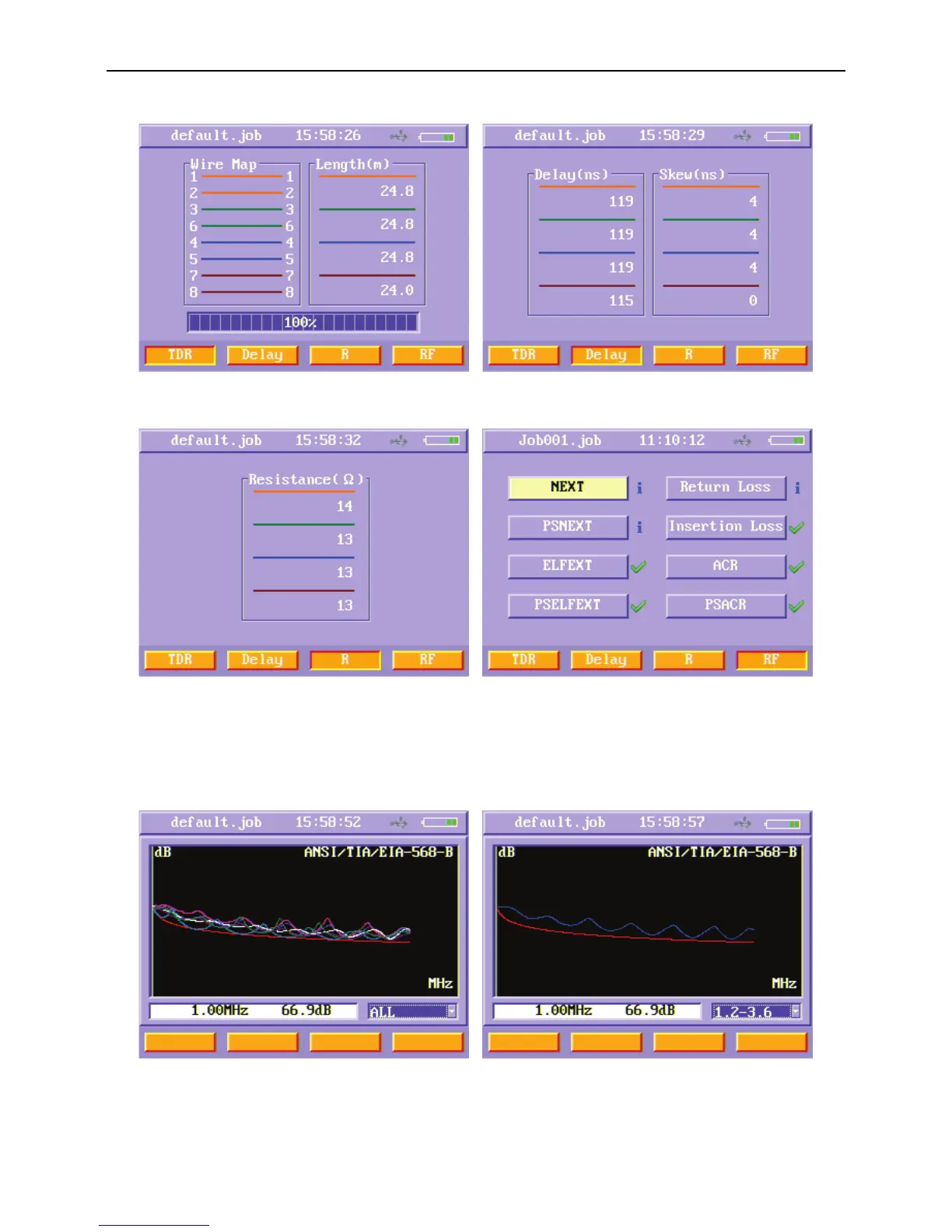
Figure22 Auto test TDR results menu Figure23 Auto test Delay results menu
Figure24 Auto test d. c. loop resistance results menu Figure 25 Auto test RF results menu
In the RF menu, users can select each RF item to observe the detailed result. The following example is a menu when you enter NEXT
item. The frequency and value shown on the bottom of the menu is the current frequency of the cursor and the first pair’s value.
Users can move the cursor using left and right arrow keys. Also, users can use enter, up and down key to choose one pair to observe.
Figure26 Auto test NEXT results menu Figure27 Each pair of auto test NEXT results menu



 To Next Page