20 Learning About Dexcom Share
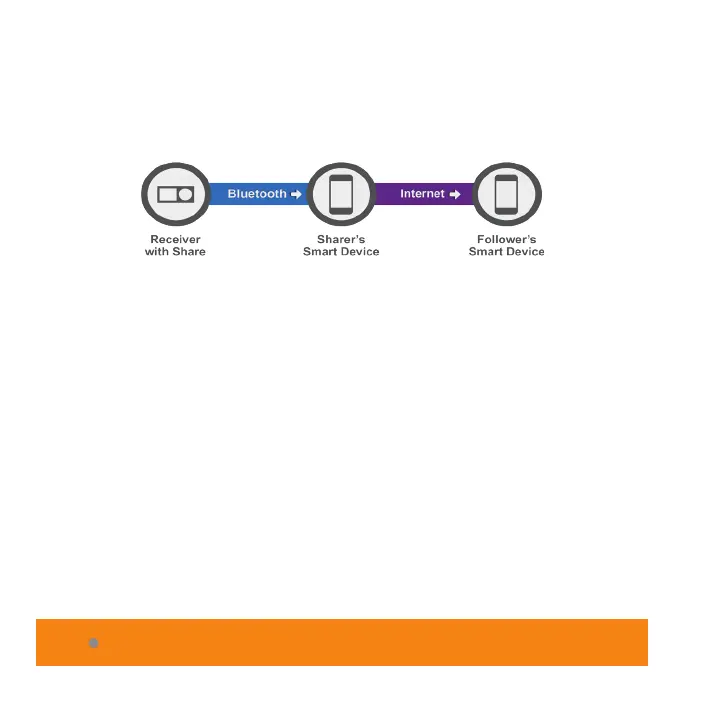
The Sharer must have their smart device within Bluetooth
range of their receiver in order to send data to their Follower
or the system will not work.
For smart watch users, it is a secondary display, meaning
the watch will only work if used with a smart device.
Changing device settings on either the smart device or
smart watch may affect settings on the other.



 To Next Page