53Using the Dexcom Share2 App
Status Tab
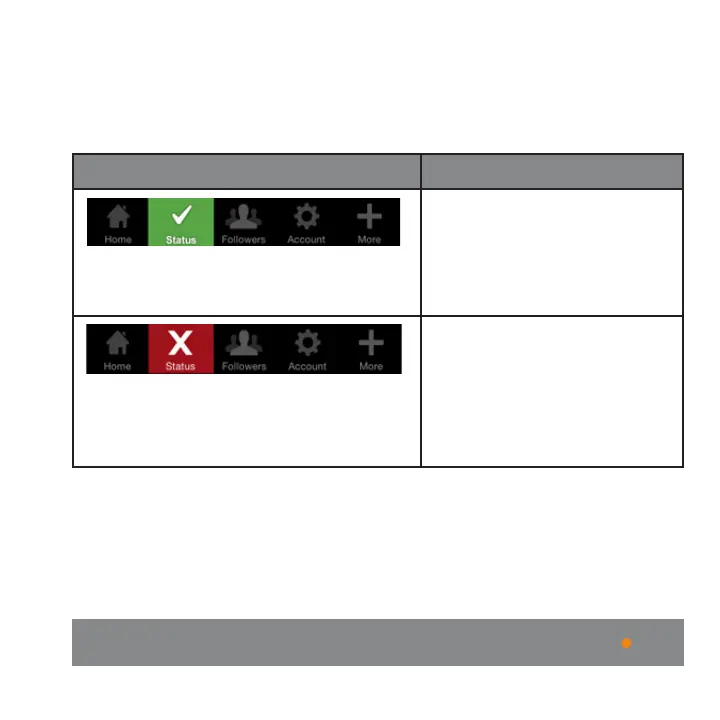
The following table explains the two possible states of the
Status tab:
Status Tab Description
The status tab is green
and displays a Check
mark icon when Dexcom
Share is sending glucose
information.
The status tab is red and
displays an X icon when
Dexcom Share is not
working. The Sharer should
refer to the status bar when
the system is not working.
When a device or connection is not working, Dexcom
Share will not work. The Sharer will not be able to send
their glucose levels to their Follower.



 To Next Page