61Using the Dexcom Share2 App
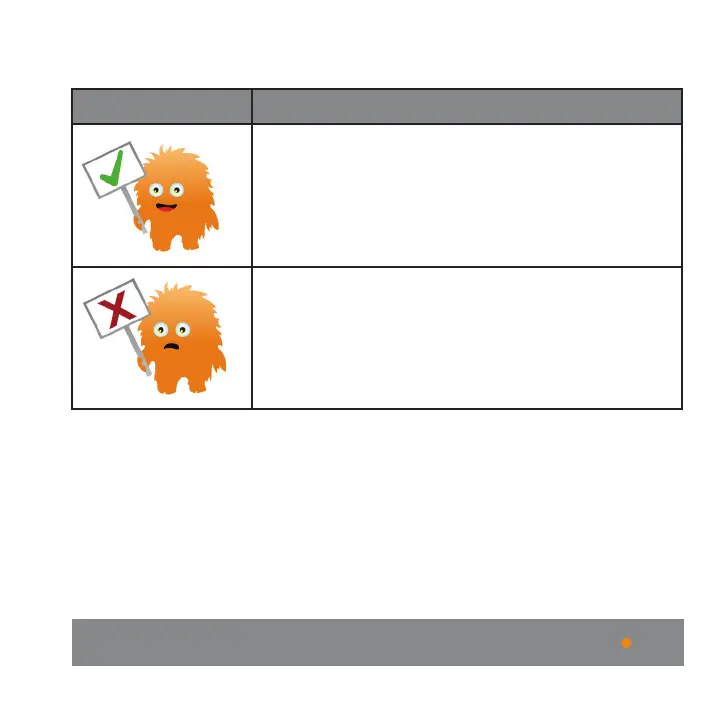
explains the GlucoMonster’s two moods:
GlucoMonster Description
The GlucoMonster will smile and hold up a sign
with a Check mark on it if Dexcom Share is
working.
The GlucoMonster will frown and hold up a sign
with an X on it if Dexcom Share is not working.
The Sharer can refer to the status bar to find
where the system is not working. Press on the
GlucoMonster for additional information.
Follower List
The Followers tab allows the Sharer to manage their
Followers. The Sharer can either invite a new Follower, edit
the nickname, e-mail address and Trend Graph visibility of
a current Follower, or enable the “Not Share data” feature



 To Next Page