45Setting up the Dexcom Share2 App
Using Your Apple Watch as a Secondary
Display
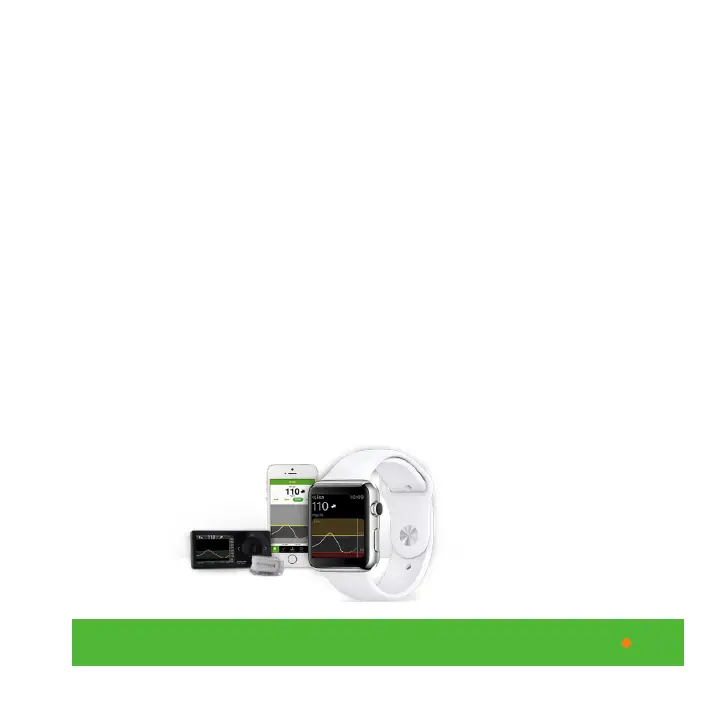
With the Dexcom Share2 app you can also display your
sensor glucose information on the Apple Watch. In order
to use the Apple Watch, you need to have an iPhone that
is within range (approximately 15 feet) for the two devices
to ‘talk to each other’ and the Share2 app needs to be
turned on to view glucose trends. The Apple Watch uses
Bluetooth and Wi-Fi to connect to the iPhone in order to
display your sensor glucose information. On the Apple
Watch you can view your 3-hour trend graph, your current
sensor glucose reading and your trend arrow. If the Apple
Watch is not charged, rely on your iPhone or receiver.
Sharer’s receiver and
transmitter, iPhone and
Apple Watch



 To Next Page