54 Using the Dexcom Share2 App
Troubleshooting Status Issues
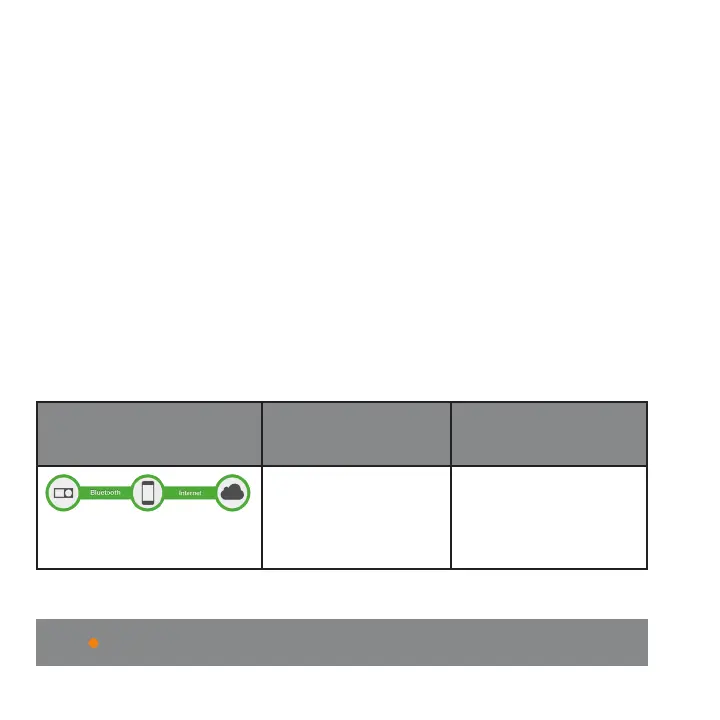
The status bar is a useful tool for troubleshooting. It can
help identify where a problem is occurring when Dexcom
Share is not working. The following table provides
troubleshooting tips for the following status bar displays.
The status bar can indicate a component that is causing
Dexcom Share to not work.
NOTE: Whether or not Dexcom Share is working and the
Followers are receiving glucose notications, you must
always refer to your receiver for your glucose readings
and alerts.
Status Bar Status
Description
Troubleshooting
This status
bar means all
connections are
working.
Not applicable



 To Next Page