38 Setting up the Dexcom Share2 App
1. Provide glucose notications to the Sharer.
2. Let the Sharer know when the Follower is not receiving
glucose Information.
3. Work with Android smart devices
Tips:
1. Read the Dexcom G4 PLATINUM System User’s Guide
before using Dexcom Share.
2. Always conrm information with a blood glucose meter
before making treatment decisions.
3. Check the status screen after turning Share “On” on
the receiver with Share to make sure the system is
functioning properly.
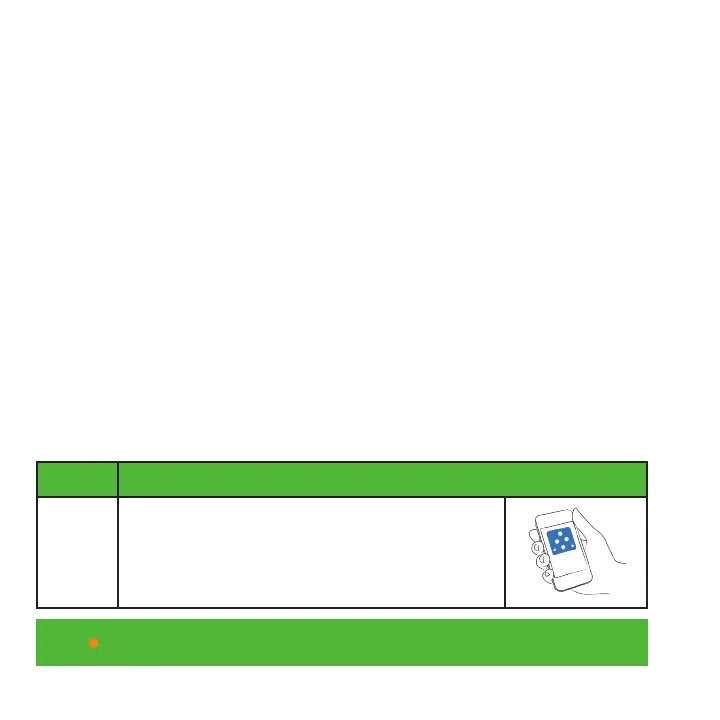
Installing the Dexcom Share2 App
Step Instruction
Step 1 Download the Dexcom Share2 app from
the app store. See your smart device user
manual for instructions.



 To Next Page