42 Setting up the Dexcom Share2 App
Pairing Receiver continued
Step Instruction
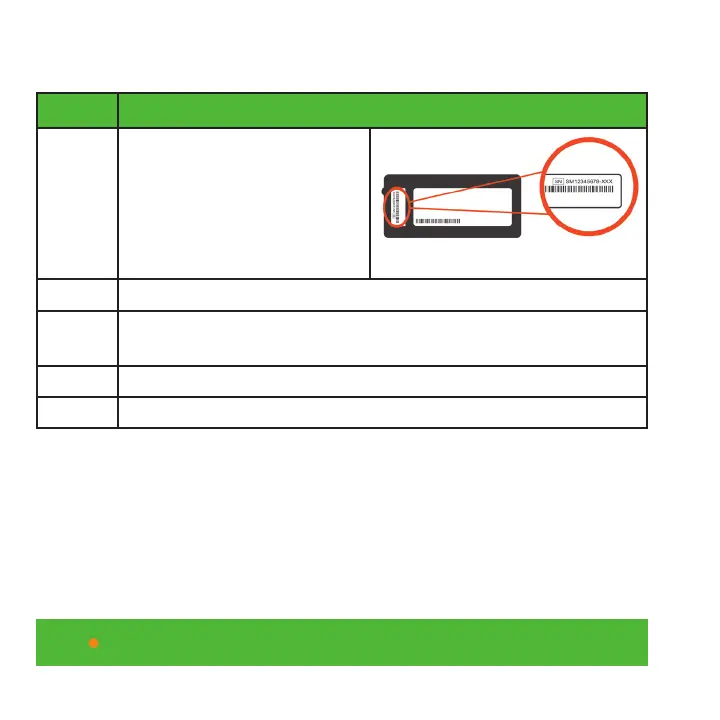
Step 3 Enter the receiver serial
number found on the label
on the back of the receiver.
The serial number is two
letters followed by eight
digits. Press “Continue.”
Step 4 Turn on your receiver.
Step 5 Go to the receiver menu and select “Settings,” then
select “Share.”
Step 6 Turn Share “On.”
Step 7 Return to the Dexcom Share2 app and press “Start.”



 To Next Page