www.dfi .com
41
Chapter 3 BIOS Setup
Chapter 3
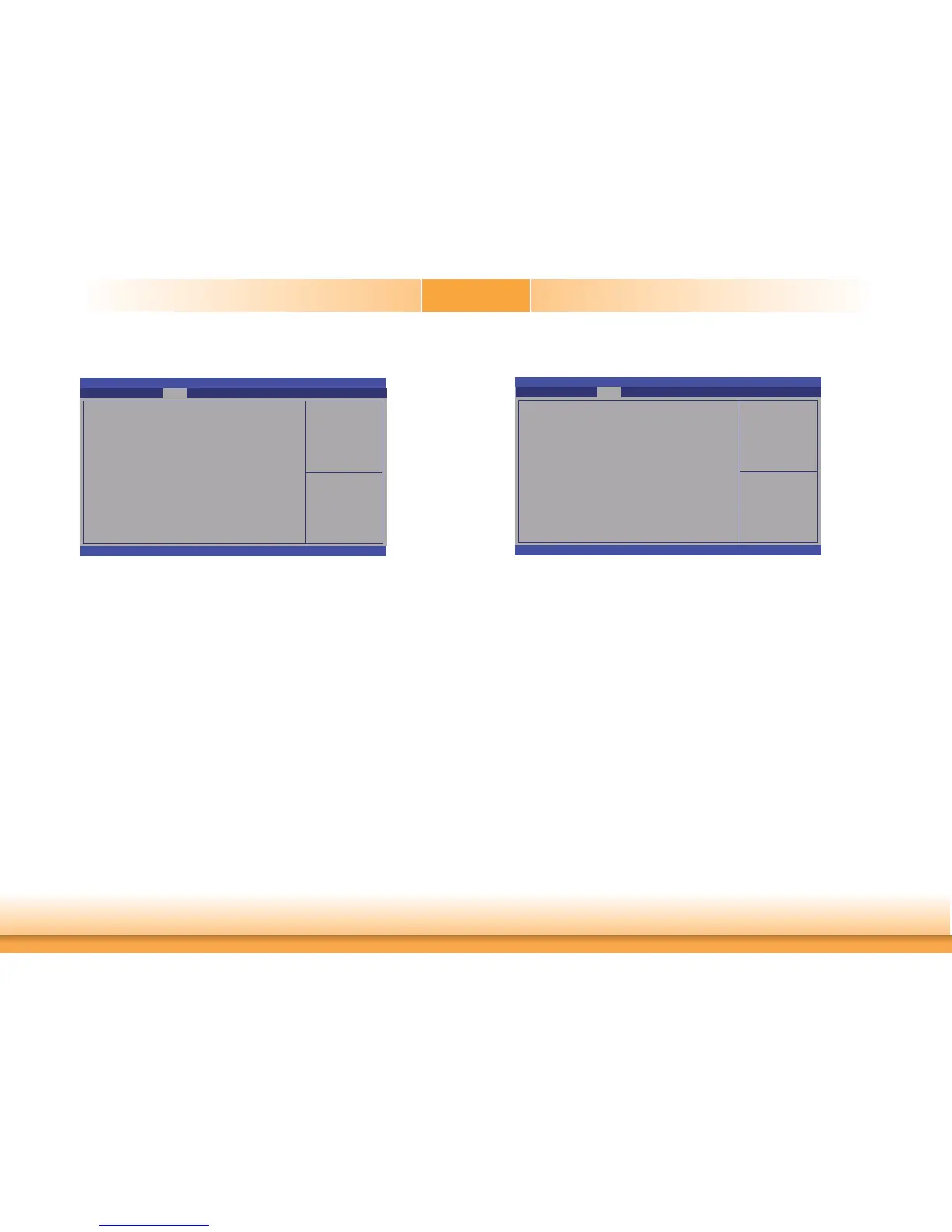
USB Configuration
Control the USB EHCI
(USB 2.0) functions.
One EHCI controller must
always be enabled.
Aptio Setup Utility - Copyright (C) 2011 American Megatrends, Inc.
Version 2.14.1219. Copyright (C) 2011 American Megatrends, Inc.
USB Confi guration
EHCI1
EHCI2
USB Ports Per-Port Disable Controller
[Enabled]
[Enabled]
[Disabled]
Chipset
Select Screen
Select Item
Enter: Select
+/
-:
Change Opt.
F1: General Help
F2: Previous Values
F3: Optimized Defaults
ESC: Exit
EHCI1 and EHCI2
These fields are used to enable or disable USB 2.0.
USB Ports Per-Port Disable Controller
Control each of the USB ports (0~13) disabling.
North Bridge
Check to enableVT-d
function on MCH.
Aptio Setup Utility - Copyright (C) 2011 American Megatrends, Inc.
Version 2.14.1219. Copyright (C) 2011 American Megatrends, Inc.
System Agent Bridge Name
System Agent RC Version
VT-d Capability
VT-d
Graphics Confi guration
NB PCIe Confi guration
Memory Confi guration
IvyBridge
1.5.0.0
Supported
Chipset
Select Screen
Select Item
Enter: Select
+/
-:
Change Opt.
F1: General Help
F2: Previous Values
F3: Optimized Defaults
ESC: Exit


 To Next Page