M I N I - C U B E – U S E R M A N U A L
Rev 1.3 06/2018 30/59
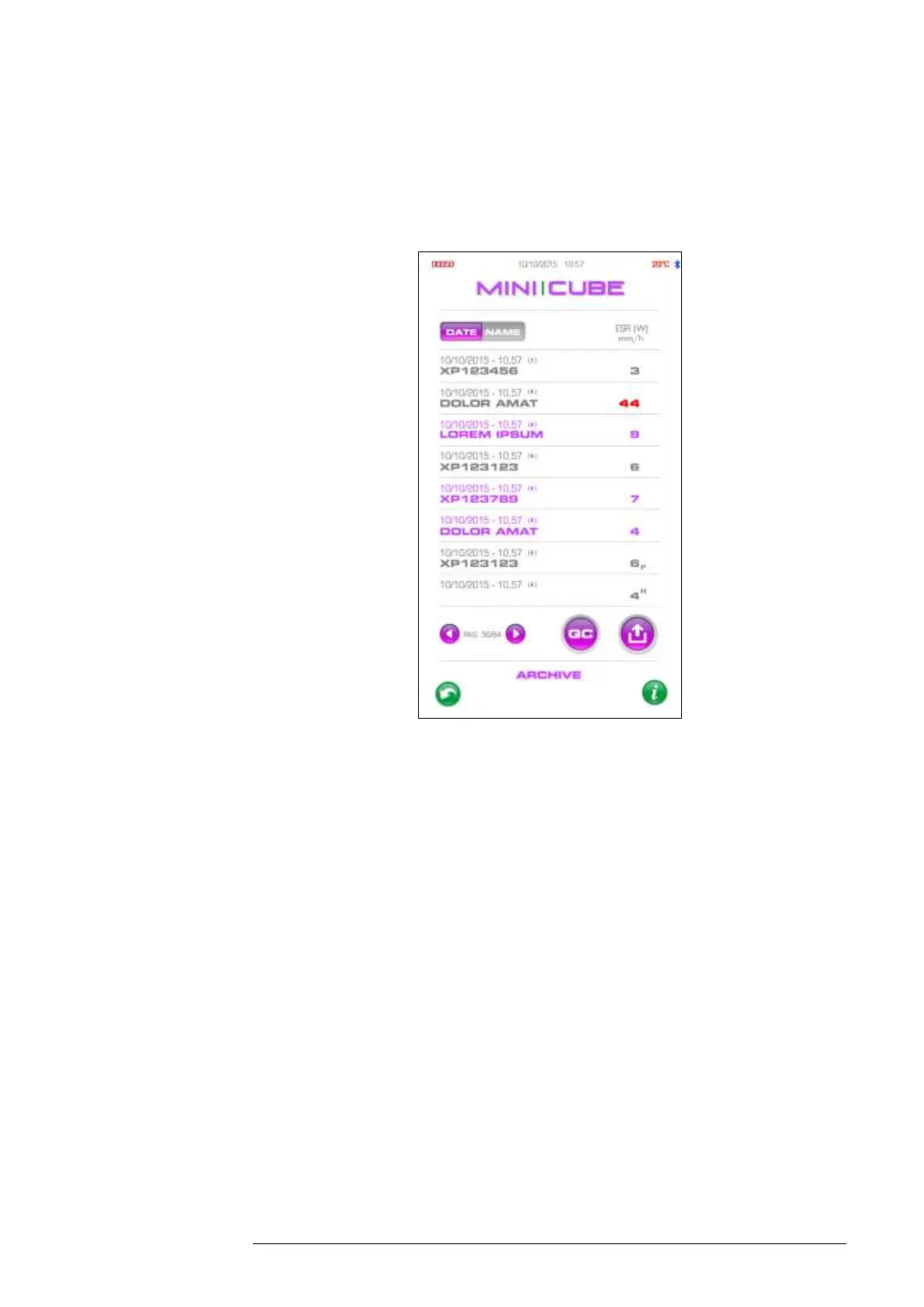
In the Results Archive, samples can be sorted by date (default) and by name
or code (based on the selection made in the item organisation, in the settings
menu).
Fig. 4.6
Click on the export icon to print the list of patients or filter the database by
name, patient ID, sample ID or date. The following are associated with
sample in the archive: the date and time of the analysis cycle, the position
occupied, and the ESR result.
If a sample has been recognized as a Pediatric tube, a “P” in subscript will be
displayed immediately to the right of the ESR value on the screen and
“PEDIATRIC” will be indicated on the sample printout. If Hematocrit
correction is enabled, an “H” will be displayed in superscript immediately to
the right of the result. The Hct result can be entered in the Patient record
Archive and will print on the sample re-print. Note: once the Hct value is
entered, the Hematocrit corrected ESR result will override the original ESR
result.



 To Next Page