M I N I - C U B E – U S E R M A N U A L
31/59 Rev 1.3 06/2018
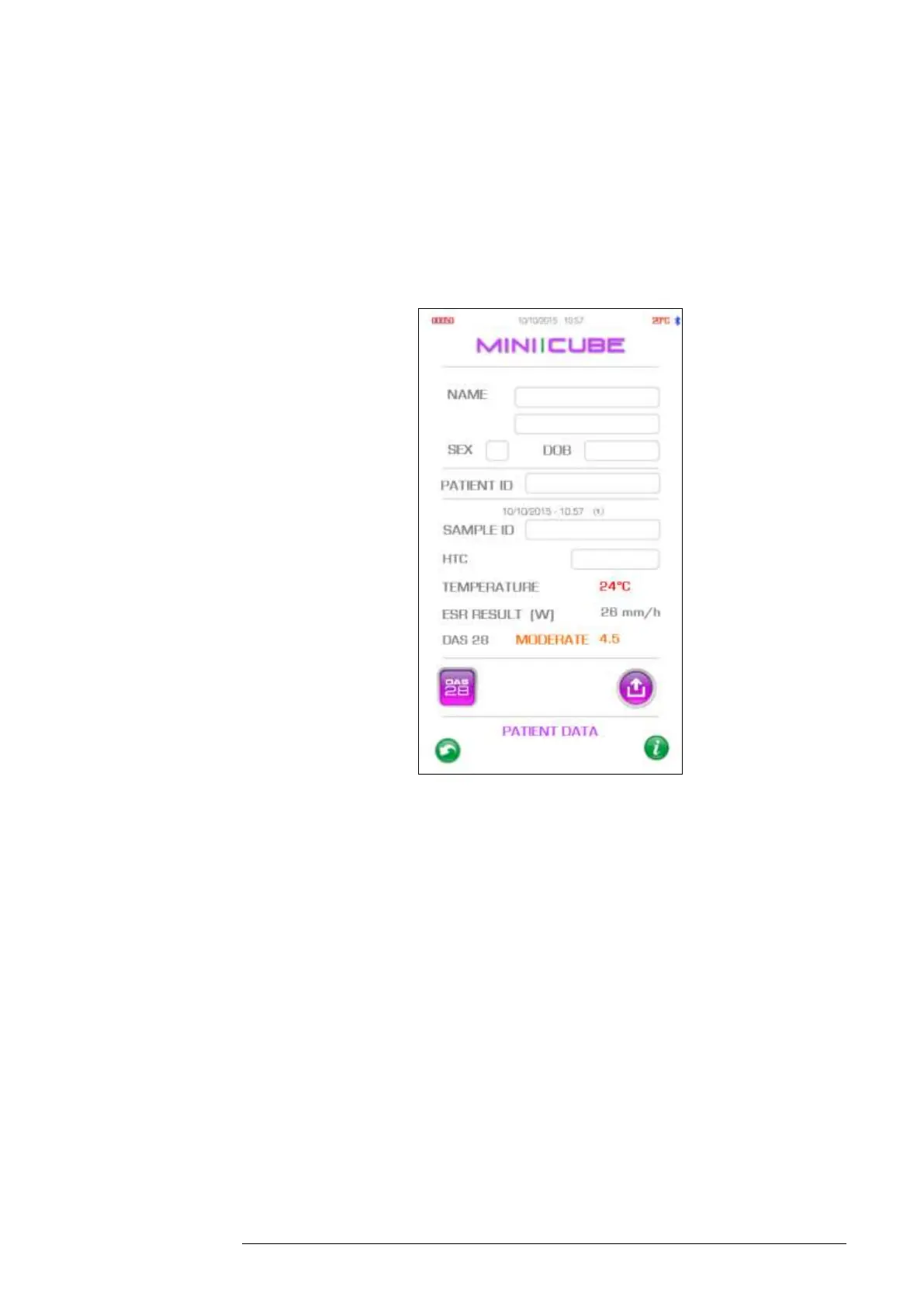
From the Archive menu, one can select several samples and by clicking on
the export icon, the user has the option to print or permanently delete sample
results. To go to a patient record (Fig. 4.7), hold down the string containing
the patient name.
Fig. 4.7
Name: Displays the patient Name and Surname
SEX: Patient gender.
DOB : Patient Date of Birth
PATIENT ID: To insert the patient code in the “Patient ID” field (e.g. health
card number or tax code), the barcode on the card needs to be scanned, or
edited manually. If a code is not available, the instrument will generate one
automatically.



 To Next Page