M I N I - C U B E – U S E R M A N U A L
47/59 Rev 1.3 06/2018
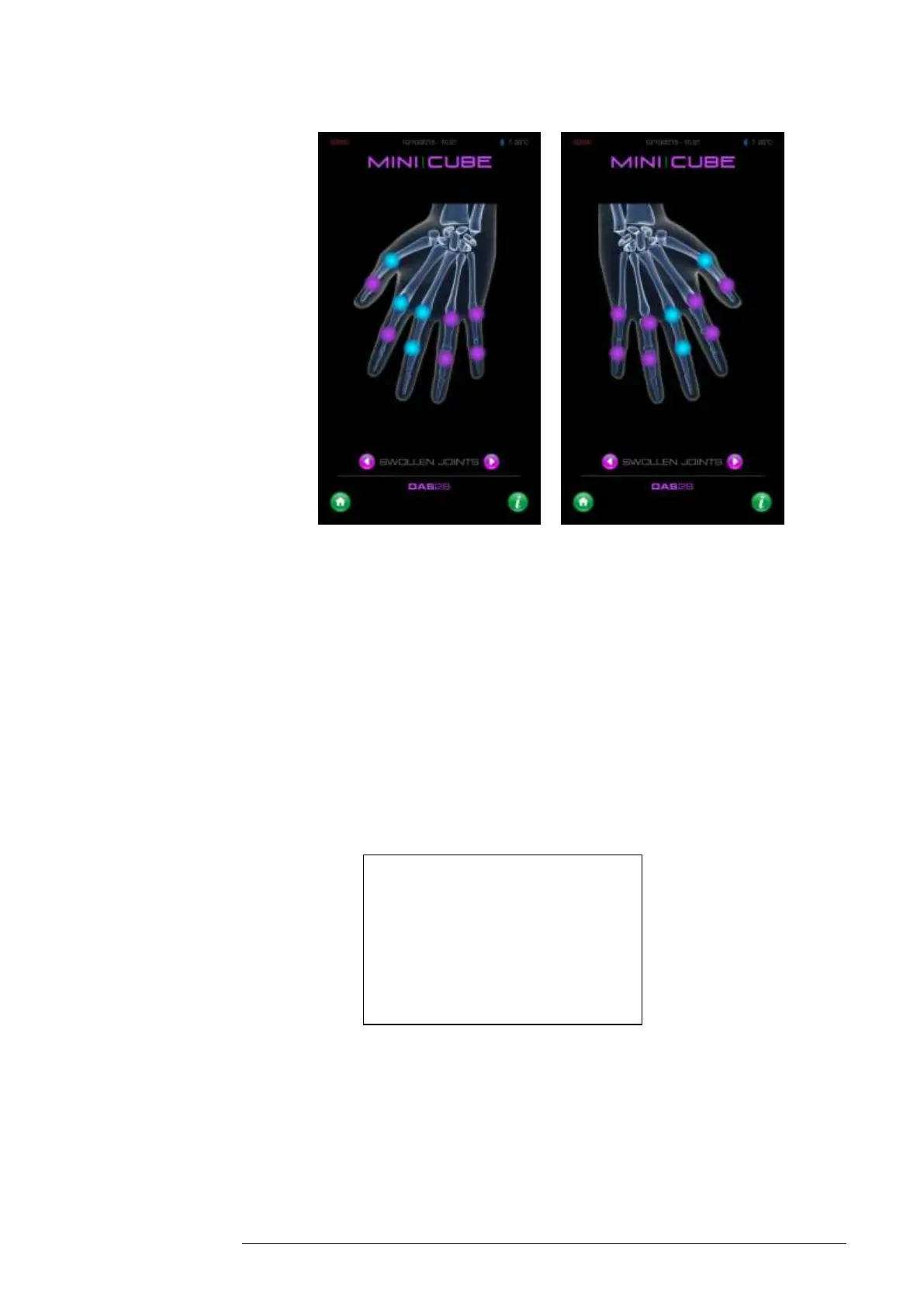
Fig. 7.4
The light blue circles will indicate the sensitive parts. Touch the appropriate
area on the screen to indicate painful areas, and these will turn purple.
Lastly, the patient must rate their general well-being on a scale from 0 (very
well) to 100 (very poor).
After entering all data, the DAS28 will be displayed, according to the following
colour scale:
When the DAS28 feature is enabled, the DAS28 calculation will appear below the
ESR result on the instrument printout.



 To Next Page