Chapter 10: Monitor and Meter Sections 125
Meter Displays (Fader Module)
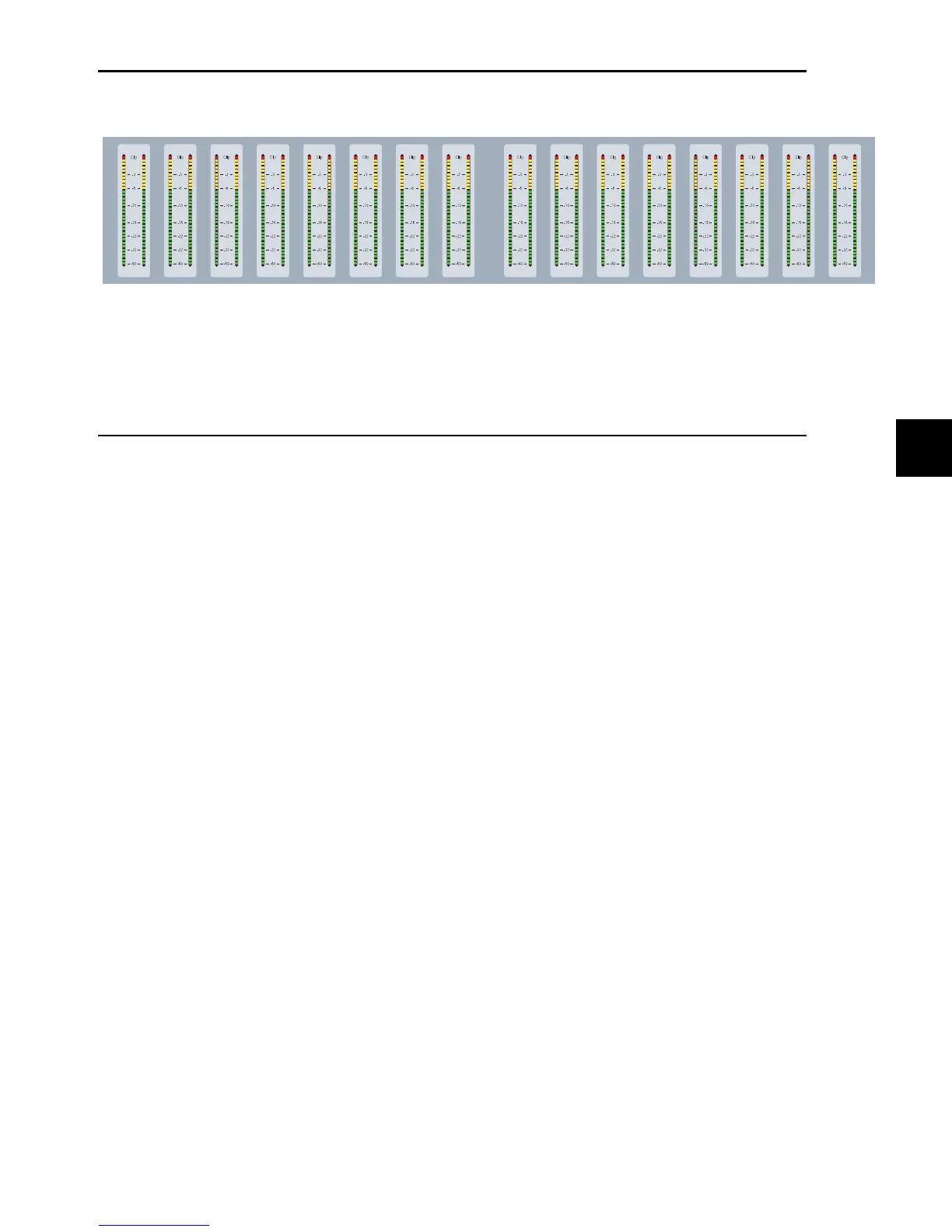
The meter displays on each Fader Module feature dual 32-segment LED bar graphs for each channel, and can display pre- or
post-fader levels depending on the D-Control Meter Preferences setting. In Custom Fader mode, these meter displays can show
plug-in input and output meters, gain reduction meters for Dynamics plug-ins, and other parameters. The top LED is red and in-
dicates clipping on the corresponding channel or parameter.
Setting D-Control Meters for Different Reference Levels
The Pro Tools Reference Level meter preference lets you change the D-Control meter display to help monitor program material
with respect to different reference levels.
At each setting except 0 dB, a single LED lights continuously across the meter bridge at a fixed point to indicate that reference
level. You can then compare the peaks of the program material to the indicated level.
The following reference level settings are available:
0dB This is the normal setting used for referencing material to a 0 dB (full code) reference level.
–14 dB This reference level setting lights a single amber LED at –14 dB across the meter bridge.
–18 dB This reference level setting lights a single amber LED at –18 dB across the meter bridge.
–20 dB This reference level setting lights a single amber LED at –20 dB across the meter bridge.
B–20 dB This reference level is designed specifically for broadcast applications, with a lower threshold for the change to amber.
The settings lights a single amber LED at –20 dB across the D-Control meter bridge. This mode also changes the meter LED colors:
LEDs above –20 dB through –13 dB are green, and the LEDs from –12 dB to 0 dB are amber, with 0 dB remaining red.
To set a D-Control meter reference level:
1 In the Soft Keys section, press the Meter switch.
2 Press the Soft Key that corresponds to “RefLvl” to cycle among the meter reference level settings.
3 Press the Meter Prefs 1 switch to exit.
Meter displays (Fader Module)



 To Next Page