Chapter 2: Installing Pro Tools on Mac 9
8 If prompted, enter your Administrator password and click OK to authenticate the installa-
tion.
9 Follow the remaining on-screen instructions.
10 When installation is complete, click Restart.
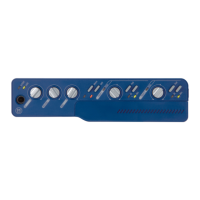
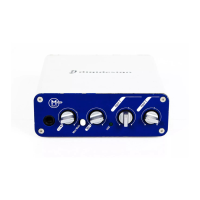
11 Connect the small end of the included USB cable to the USB port on Mbox 2 Mini. Con-
nect the other end of the USB cable to any available USB port on your computer.
Installation Options
Pro Tools LE Options
To install a subset of Pro Tools software and plug-ins (and associated content), click the reveal
triangle for the Pro Tools LE 8.0 option in the installer, and deselect any of the following op-
tions that you do not want installed.
Application Files (Required for Pro Tools) Installs the Pro Tools application and supporting li-
brary files needed to run Pro Tools. This option also installs the Digidesign CoreAudio Driver.
This option must be selected to install Pro Tools.
DigiRack Plug-Ins Installs free plug-ins including DigiRack plug-ins, free Bomb Factory plug-
ins, Eleven Free, TL Utilities, and Digidesign D-Fi and Maxim plug-ins.
Pro Tools Creative Collection Installs a set of free RTAS effects plug-ins and virtual instrument
plug-ins (including 4.4 GB of associated sample content). For more information, see the Cre-
ative Collection Plug-ins Guide.
Mbox 2 Mini may not function properly if connected to a USB hub. Connect Mbox 2 Mini to a
separate, dedicated USB port.
If the USB LED on the front panel of the Mbox 2 Mini does not illuminate after installation,
try unplugging the USB cable from the Mbox 2 Mini USB port and plugging it back in. If the
USB LED still does not illuminate, shut down the computer, disconnect Mbox 2 Mini and start
the computer. Once the computer has fully restarted, reconnect Mbox 2 Mini.


 To Next Page