DG-BG4100NU User Manual
113
The following table describes the parameters and button of this page:
Click Browse to select the firmware file.
After selecting the f irmware file, click Upload to start upgrading
the firmware file.
Click it to undo the selection.
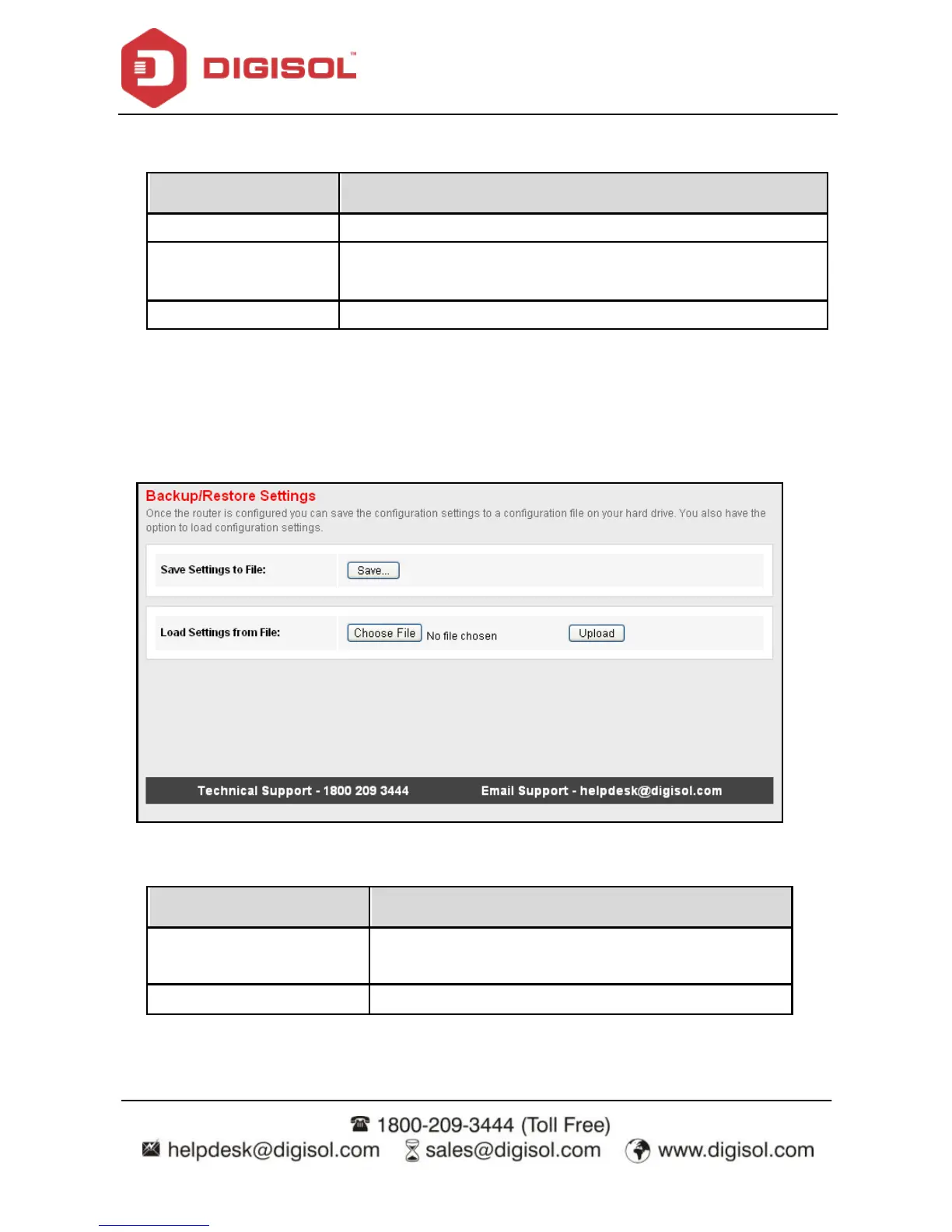
Backup/Restore
Click Backup/Restore in the left pane, and the page shown in the f ollowing figure appears.
You can backup the current settings to a f ile and restore the settings from the file that was
sav ed previously.
The following table describes the parameters and button of this page:
Click it, and select the path. Then you can sav e the
conf iguration f ile of the router.
Click Browse to select the configuration f ile.



 To Next Page