DG-BG4100NU User Manual
112
4.8 Maintenance
In the navigation bar, click Maintenance. The Maintenance page that is display ed contains
Update, Password, Reboot, Time, Log and Diagnostics.
Update
Choose Admin > Update. The Update page that is display ed contains Upgrade Firmware
and Backup/Restore.
Caution:
Do not turn off the router or press the Reset button while the procedure is in
progress.
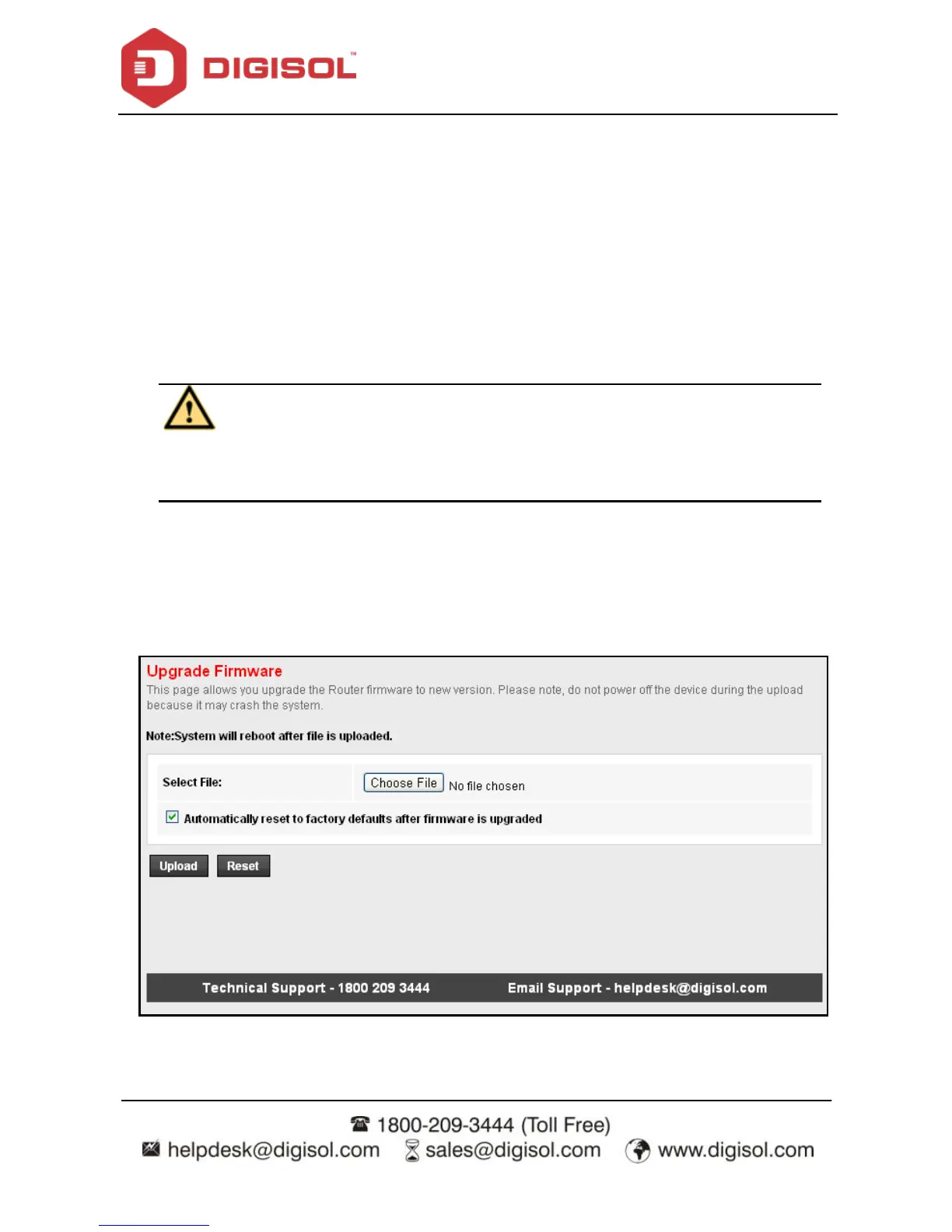
Upgrade Firmware
Click Upgrade Firmware in the left pane, and the page shown in the following f igure
appears. In this page, y ou can upgrade the f irmware of the router.



 To Next Page