DNS
Domain Name System (DNS) is an Internet service that translates the domain name into I P
address. Because the domain name is alphabetic, it is easier to remember. The Internet,
howev er, it is based on IP addresses. Every time you use a domain name, DNS translates
the name into the corresponding IP address. For example, the domain name
www. example.com might be translated to 198.105.232.4. The DNS has its own network. If
one DNS server does not know how to translate a particular domain name, it asks another
one, and so on, until the correct IP address is returned.
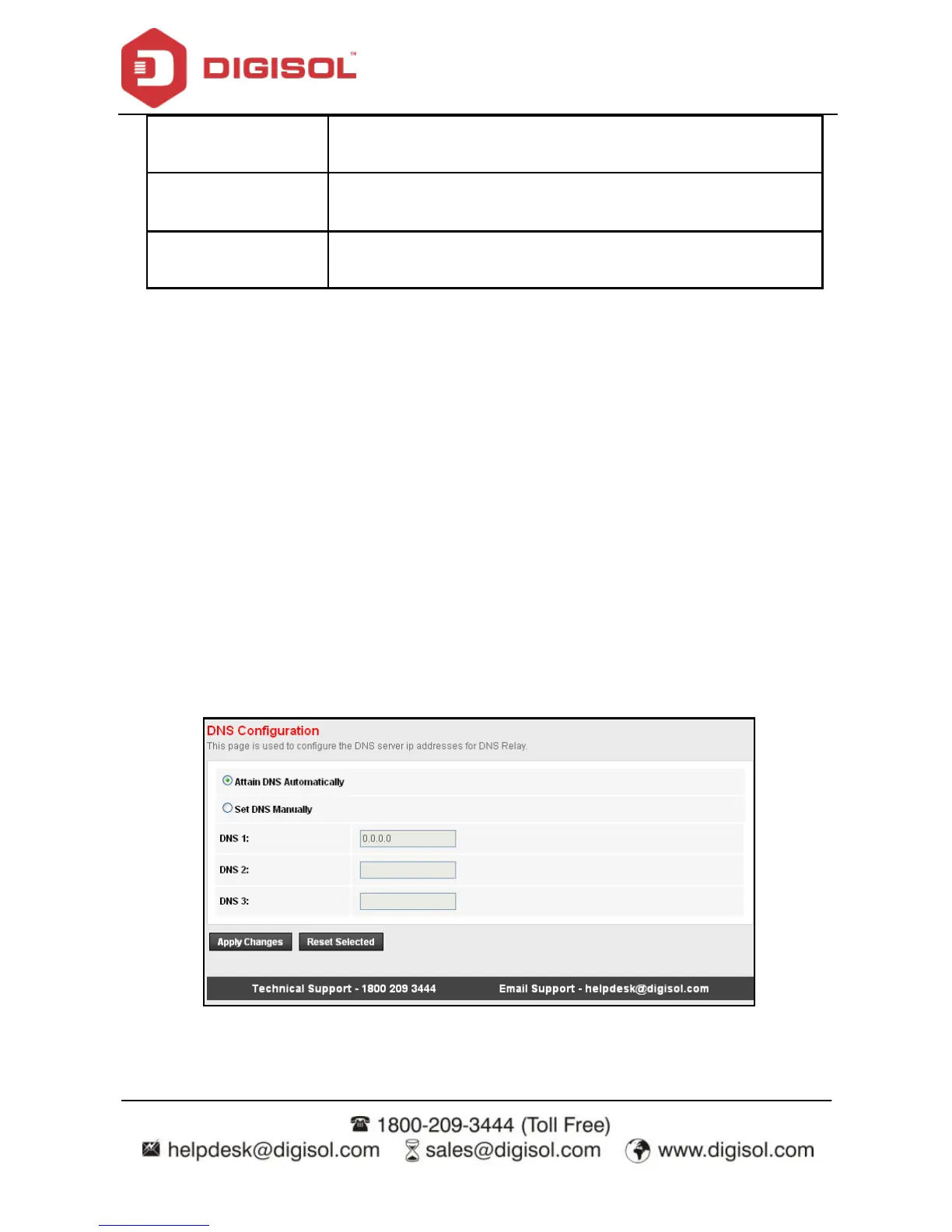
Choose Service > DNS. The DNS page that is displayed contains DNS, IPv6 DNS and
DDNS.
DNS
Click DNS in the left pane, and the page shown in the following figure appears.



 To Next Page