DG-BG4100NU User Manual
67
4.5 Advanced
In the nav igation bar, click Adv anced. In the Adv anced page that is display ed contains
Routing, NAT, QoS, CWMP, Port Mapping and Others.
Routing
Choose Advance > Routing, and the page shown in the following figure appears. The page
that is display ed contains Static Route, IPv 6 Static Route and RIP.
4.5.1.1 Static Route
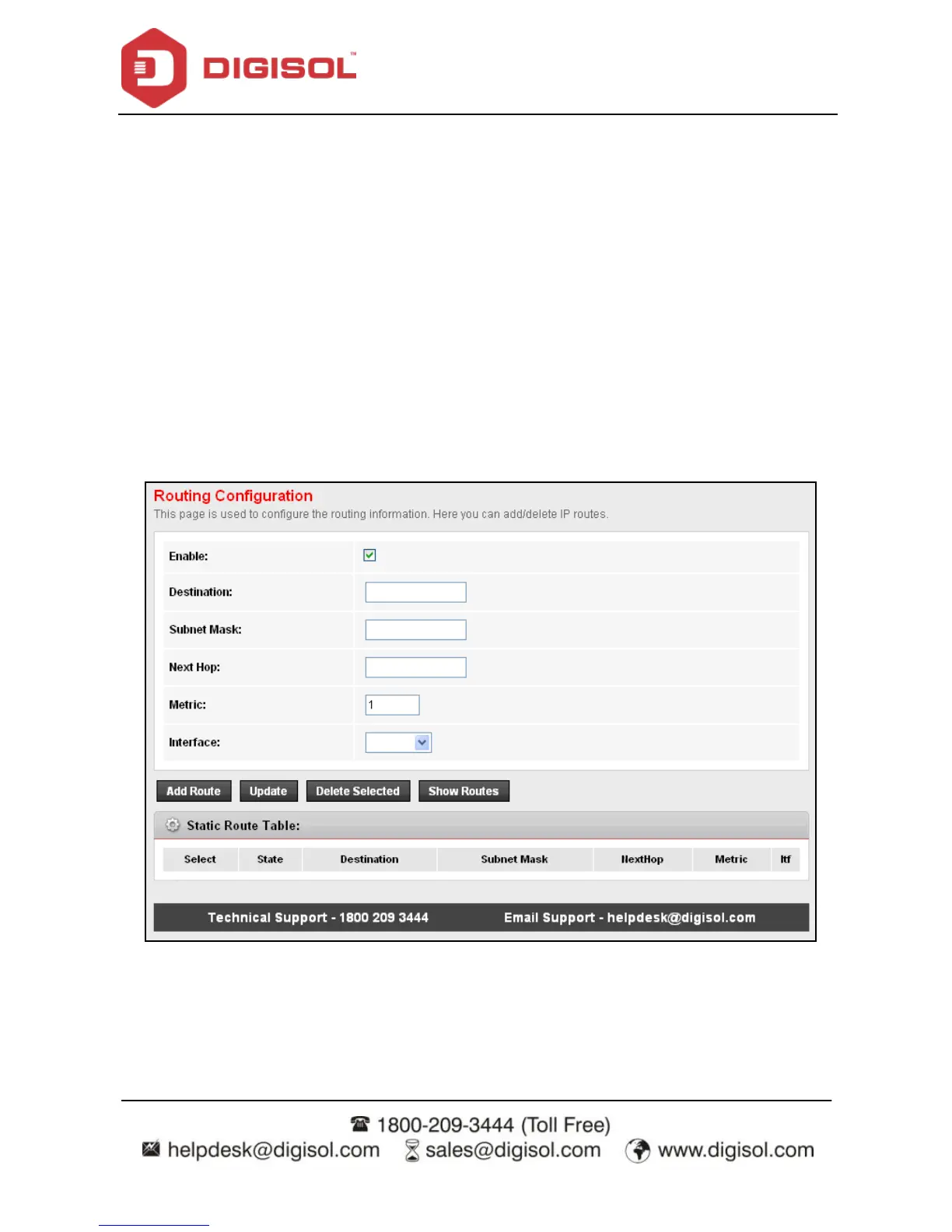
Click Static Route in the lef t pane, and the page shown in the following figure appears. This
page is used to configure the routing inf ormation. You can add or delete IP routes.



 To Next Page