DG-BG4100NU User Manual
68
The following table describes the parameters and buttons of this page:
Select it to use static IP routes.
Enter the IP address of the destination device.
Enter the subnet mask of the destination device.
Enter the IP address of the next hop in the IP route to the destination
device.
The metric cost f or the destination.
The interf ace f or the specif ied route.
Click it to add the new static route to the Static Route Table.
Select a row in the Static Route Table and modify the parameters.
Then click it to sav e the settings temporarily.
Select a row in the Static Route Table and click it to delete the row.
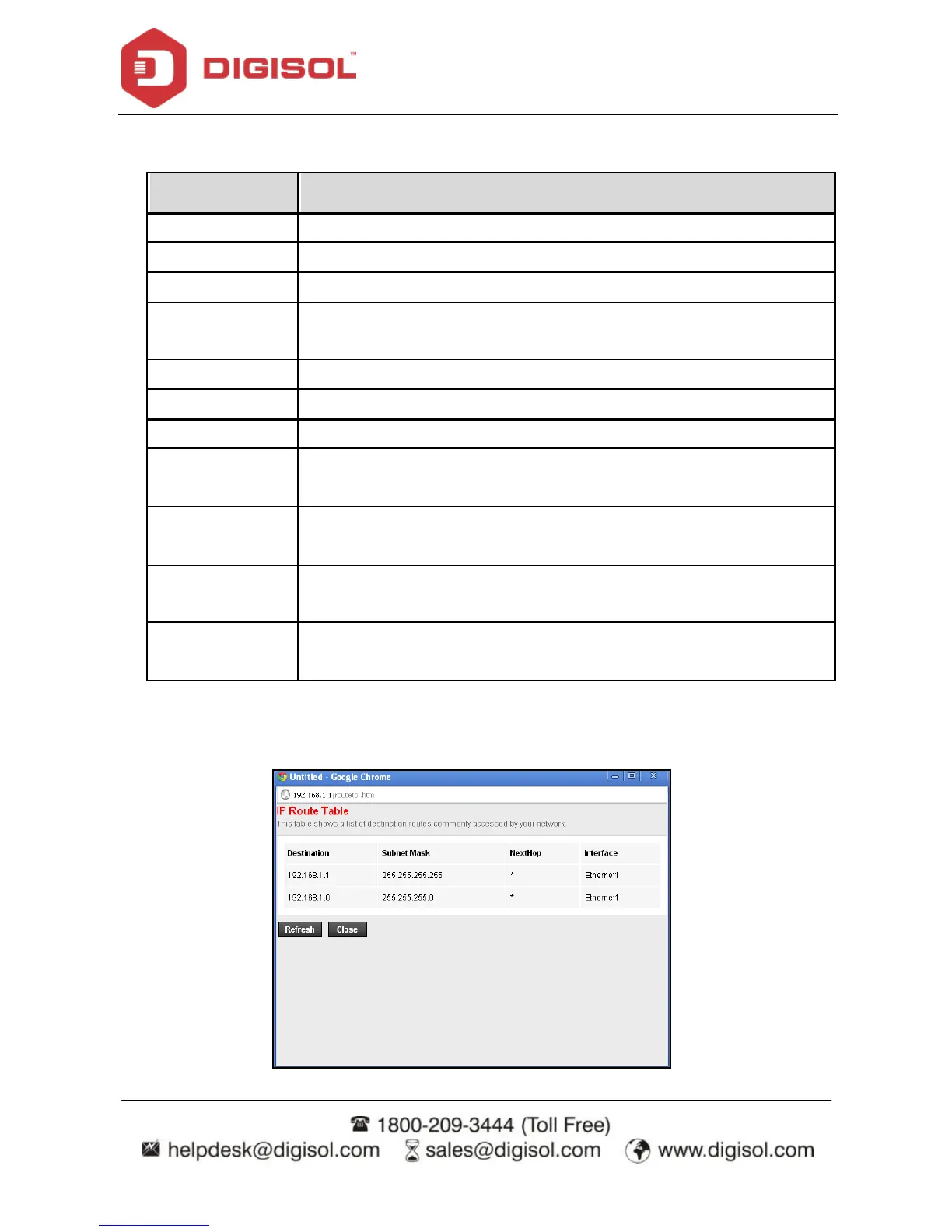
Click it, the IP Route Table appears. You can v iew a list of destination
routes commonly accessed by your network.
A list of the prev iously configured static IP routes.
Click Show Routes, the page shown in the following figure appears. The table shows a list of
destination routes commonly accessed by your network.



 To Next Page