DG-PS1010U User Manual
17
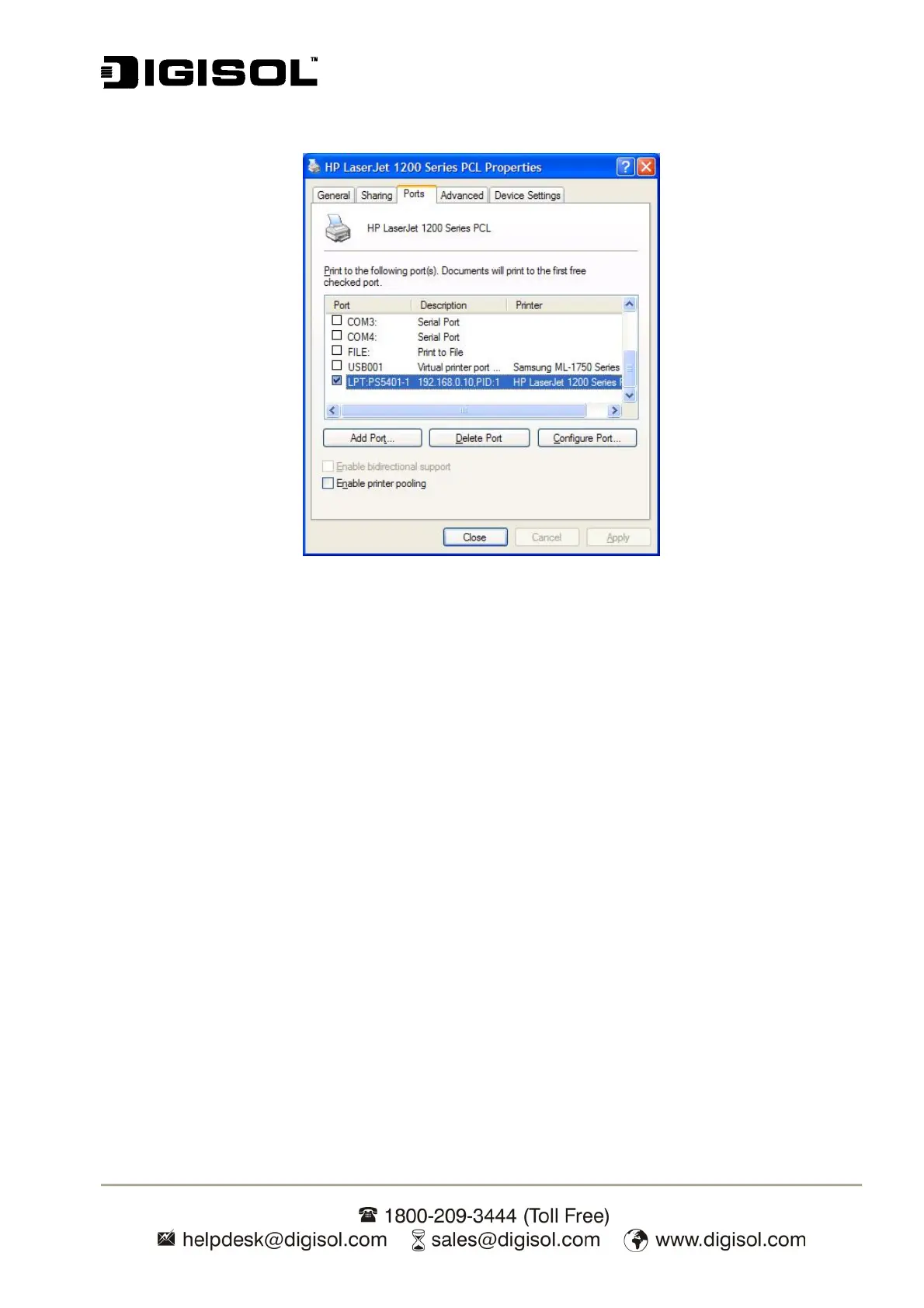
16. Right-click, select Properties -> Ports and verify that the print server’s port appears.
Fig 12
17. Go to General tab, click Print Test Page to verify the configuration.
18. Your Print Server is successfully installed in LAN.
Note:
If you wish to install more print servers, start setup wizard from your Windows Start menu: start ->
All Programs -> Network Print Server -> PSWizard and repeat the installation procedure.


 To Next Page