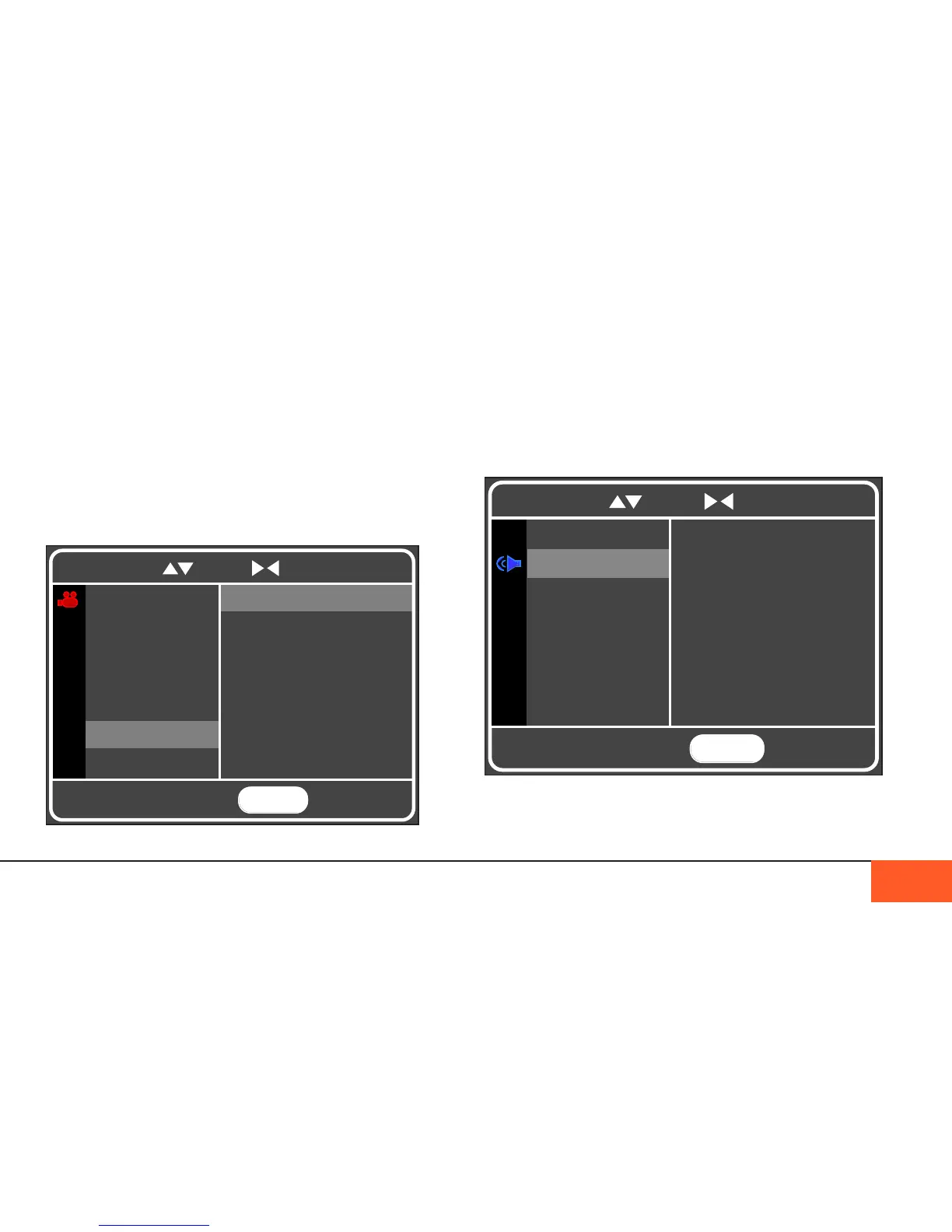
Sound Menu
In the SOUND menu, you can choose to change your FORMAT from
96khz to 44.1khz, change each audio channel to OFF, ON, or LINE IN,
turn on/off PHANTOM POWER for your LEFT and RIGHT channels,
select whether you want the AUDIO VOLUME METERS to display on
your home screen, and adjust your HEADPHONE VOLUME.
Headphone volume is one of the on-the-y options that can be
assigned to a crank wheel in the CRANK menu for easy adjustment
in the eld. (See “cRank Menu” on Page 24.)
WHT BALANCE
This setting allows you to select one of three white balances for
your footage: DAYLIGHT, TUNGSTEN, or FLUORESCENT.
The balance you select will be reected in both your onboard
and any external monitors, as well as your raw metadata.
Your metadata and white balance is changeable in post without
degrading your image, an advantage of the CinemaDNG raw
format, but the white balance you select here will create an
“as shot” starting off point for your transcoding sotware.
DISPLAYS AND MENUS 19
MENU
TO EXIT
RESOLUTION
FORMAT
ISO
FPS
SHUTTER ANG
RGB DAYLIGHT
RGB TUNGSTEN
RGB FLUORESCENT
WHT BALANCE
DPC FILTER
To navigate, use to scroll to select and return
MENU
TO EXIT
OFF
MIC 1 ON
Line 1 In ON
To navigate, use to scroll to select and return
FILE FORMAT
CH 1 MIC
CH 2 MIC
L PHTM PWR
R PHTM PWR
VOL DISPLAY
HP VOL



 To Next Page