BUTTONS AND NAVIGATION
7BUTTONS AND NAVIGATION
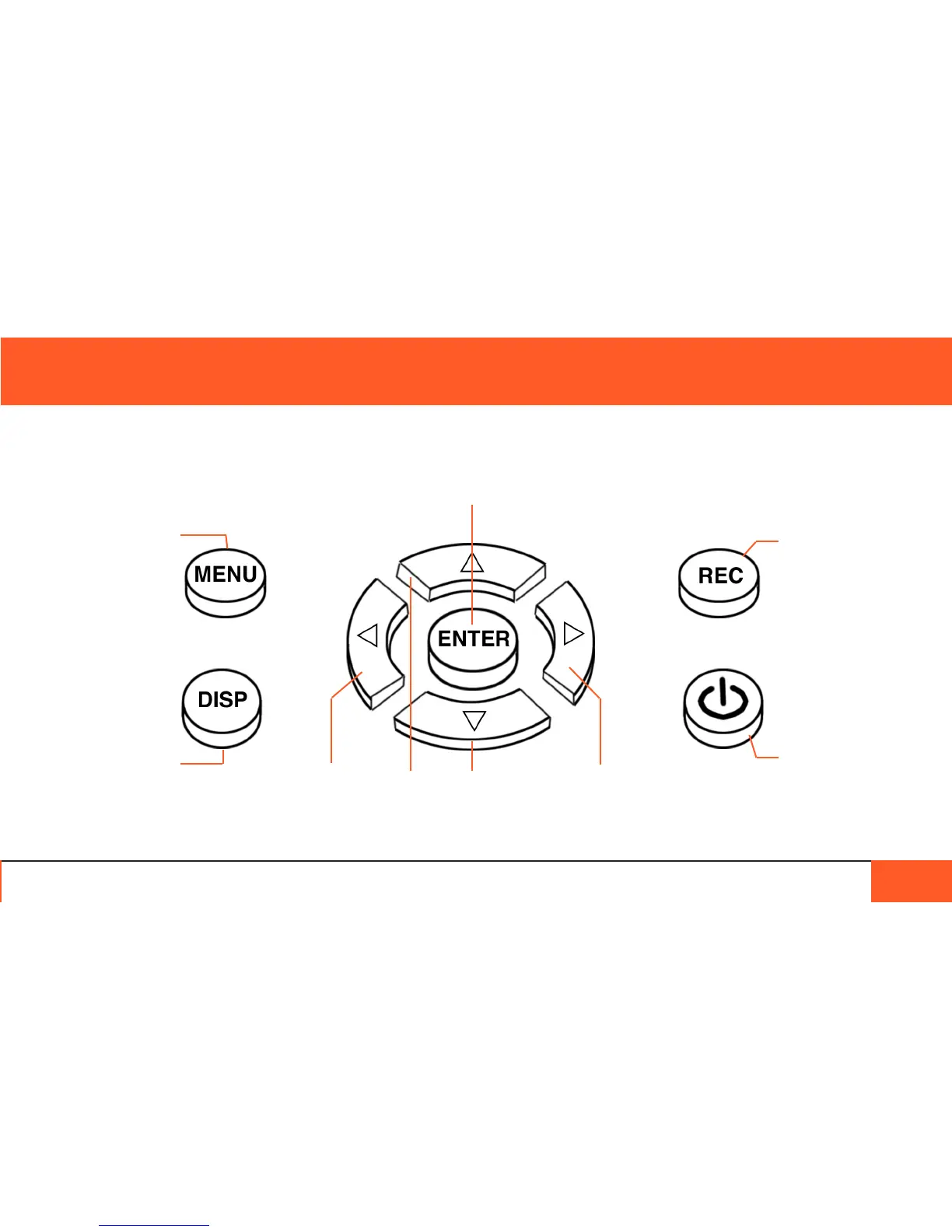
Accesses camera
menu.
When powering
down, functions as
“cancel” button.
When camera is
alseep, pressing
once wakes up
camera.
Cycle through
display overlay
options: icons off,
third lines, normal.
Hold down to put
display to sleep.
When in camera menu, ENTER selects highlighted menu option.
Outside of a menu, ENTER zooms in on disply for a 1:1 mode
that aids critical focus.
Press once to record.
Press again to stop
recording.
Press and hold for 5
seconds to turn on
camera.
Press and hold for
5 seconds, or press
once then hit ENTER
to power down.
Use the left, right, up, and down buttons to navigate the menu.
In 1:1 mode, use the buttons to move the eld of view.



 To Next Page