White Balance
The D16 comes with three white balances settings: DAYLIGHT,
TUNGSTEN, and FLUORESCENT. While white balance can be
altered in post due to the exiblity of raw, you should choose
the closest white balance to your scene as a starting point.
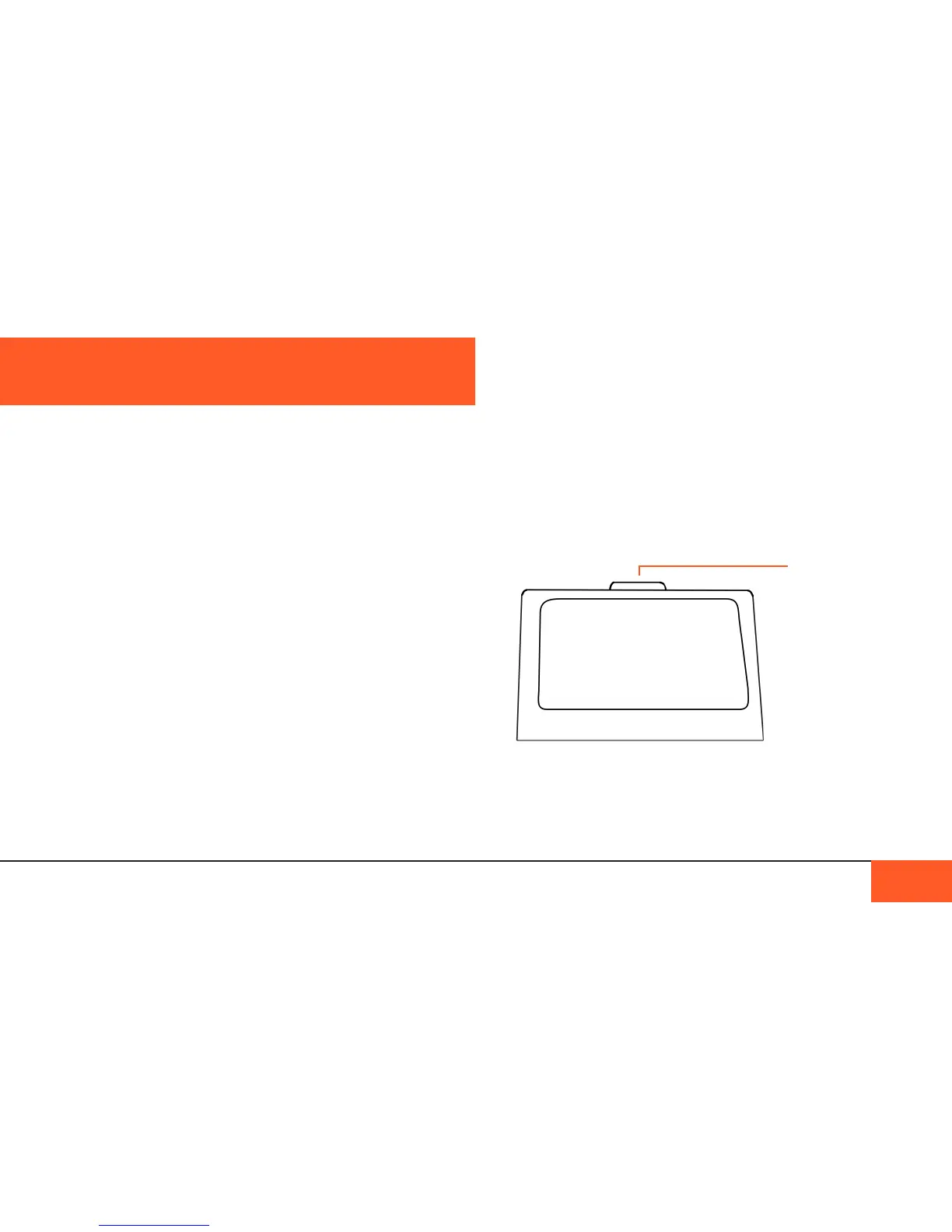
Articulating the onboard monitor
The onboard monitor can articulate up 15 degrees to provide a
better viewing angle while shooting. Use a ngernail or soft tool
to pop the tab on top of the monitor.
SD out to external monitor
If you want to connect your D16 to a Standard Denition
monitor, the 1/8th video jack on the left side of the camera will
provide 640x480 connection to any SD monitor.
The D16 has a number of video monitoring options available to
help you understand your footage while shooting.
Color Modes
The D16 has three color modes through which you can view
your footage on the onboard monitor or an external monitor:
COLOR, BLACK AND WHITE, and NON-DEBAYERED (RAW).
BLACK AND WHITE mode shows you your images in black
and white only.
COLOR mode shows you your footage in color with a calibrated
color matrix. To set the white balance see the next section.
NON-DEBAYERED mode is the preferred way to check the
exposure of your camera image, because the onboard monitor’s
Rec709 colorspace does not have enough depth to show the
full color depth of the D16’s raw images.
Areas that appear pure white in NON-DEBAYERED mode
will be “blown”; any areas with texture are “safe”, even if they
appear blown in the COLOR or BLACK AND WHITE modes.
VIDEO MONITORING
VIDEO MONITORING 30
Use your
ngernail or a
soft tool to pop
up the tab. Using
a metal tool may
scrape the top of
your camera.



 To Next Page