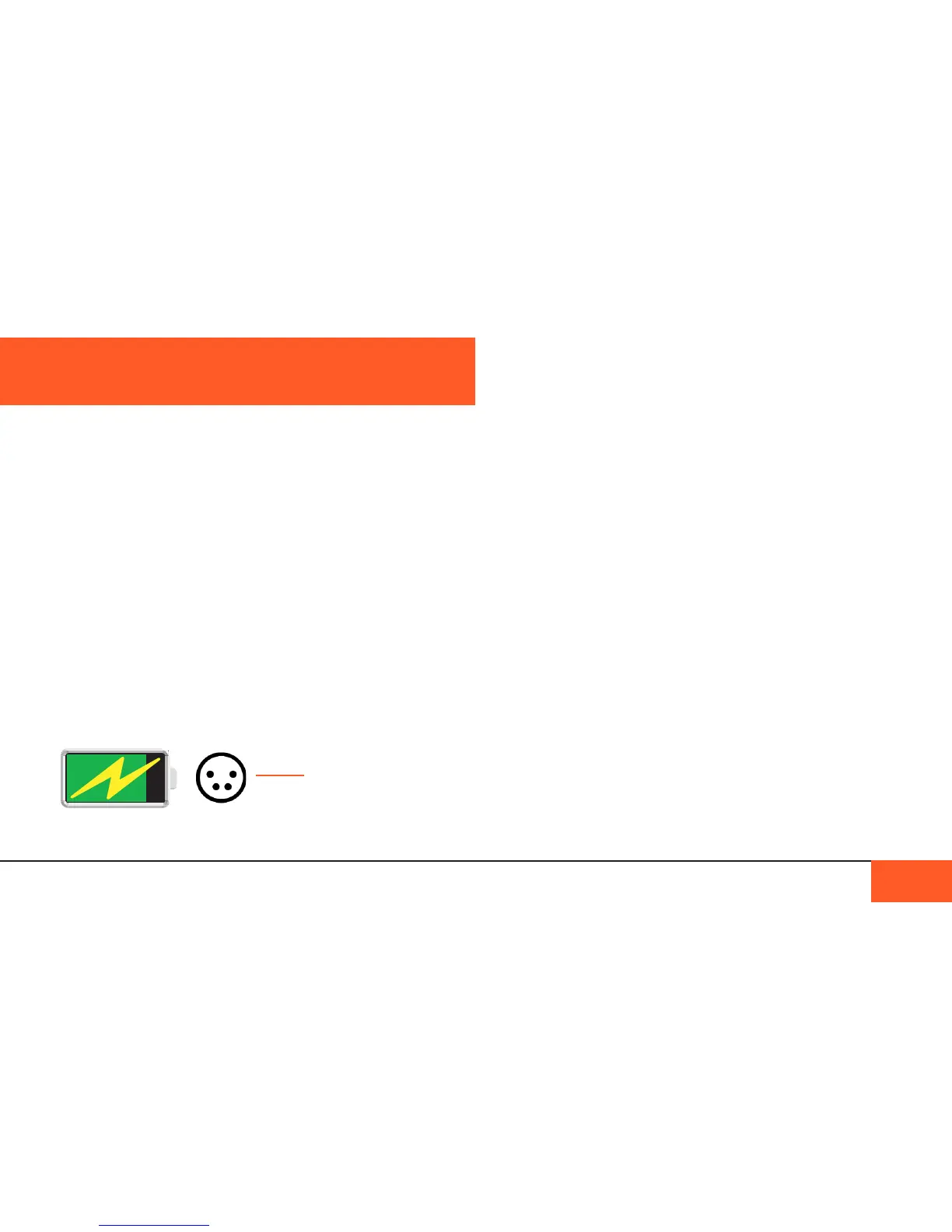
When charging is complete, the “lightning bolt” icon will
disappear and the battery icon will appear full. The 4-PIN XLR
icon will remain as long as the AC power adapter is connected.
You may also charge the internal battery by connecting third
party battery solutions via the 4-PIN XLR port.
If the 4-PIN XLR icon on your display appears red instead
of white, something is wrong and the battery may not be
charging properly.
You will want to determine the source of the problem before you
continue shooting, or you may risk the camera shutting down.
To determine whether the problem is caused by the internal
battery or your AC power adapter, try plugging the camera into
a different 12V power source that you know works correctly.
If the battery charges normally, you will need to replace your AC
power adapter. If the problem does not go away, it may be time
to replace your battery.
(See “Replacing the batteRy” on Page 13 for more details.)
Shooting time
When fully charged, your battery will last around 3 hours of
shooting time, depending on your shot length and environment.
The D16 has an internal 12V, 40Wh LiPo battery with a life
expectancy of 1000 charge cycles. The battery is not removable.
Charging the battery
When your camera arrives, the internal battery may not be fully
charged. In order to ensure the longest life from your battery,
you should charge your camera before you begin shooting, and
always charge the battery to 100% whenever possible.
To charge the battery, connect the AC power adapter via the
4-PIN XLR input on the left side of the camera.
When the AC power adapter is properly connected and your
battery begins charging, a “lightning bolt” icon will appear over
the battery icon on your camera’s display, and a white 4-PIN
XLR icon will appear next to the battery.
THE BATTERY
THE BATTERY 12
4-PIN ICON
appears when
AC charger or
external power
is connected.
BATTERY ICON



 To Next Page