QUICK GUIDE TO SHOOTING... In 8 Easy Steps!
QUICK GUIDE TO SHOOTING
8
REC
ENTER
MENU
DISP
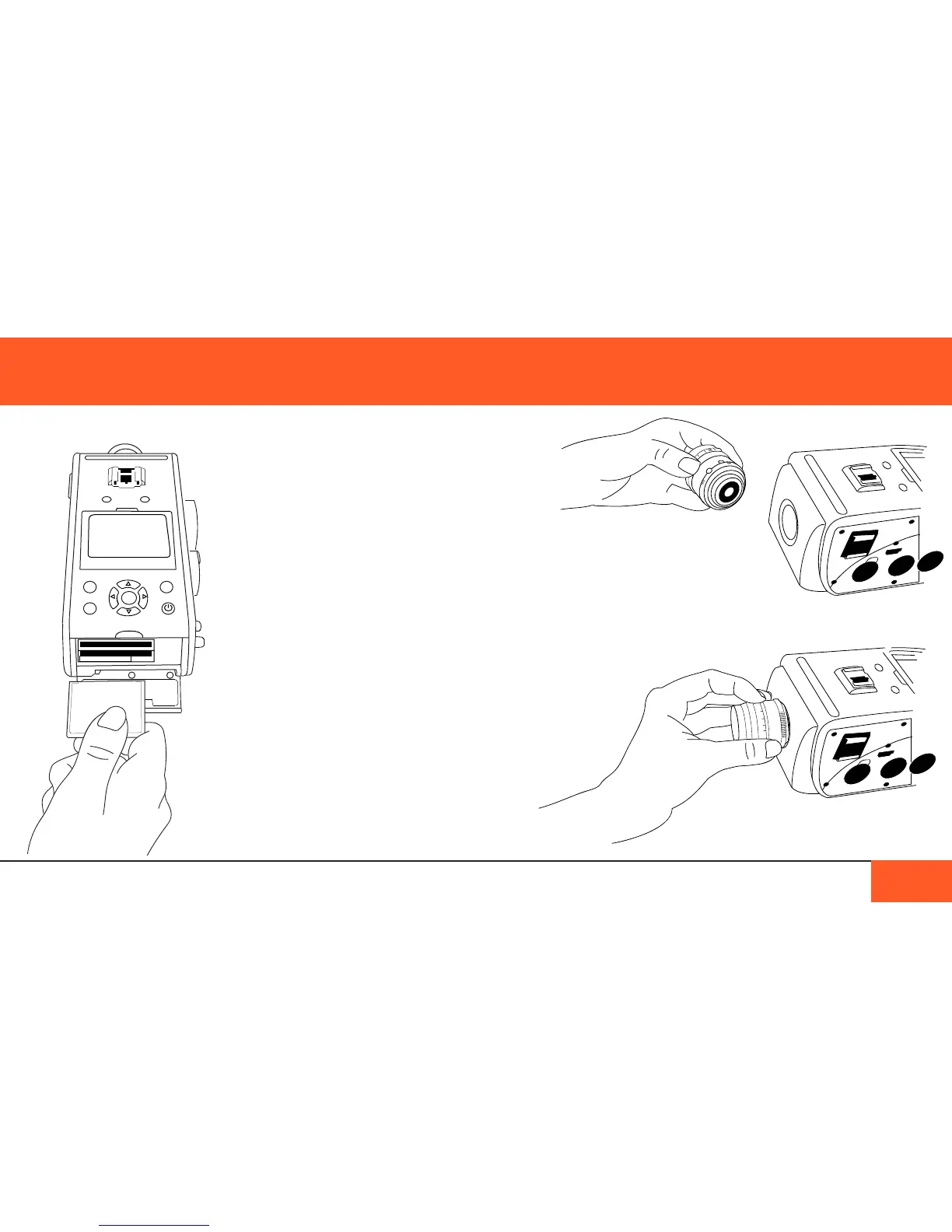
1) Insert two CF cards (See “Data ManageMent”
on Page 28) if you prefer to shoot on cards. If
you prefer to use the internal SSD, you do not
need additional storage media.
2) Attach a lens to the C-mount (or other mount)
on the front of the camera.



 To Next Page