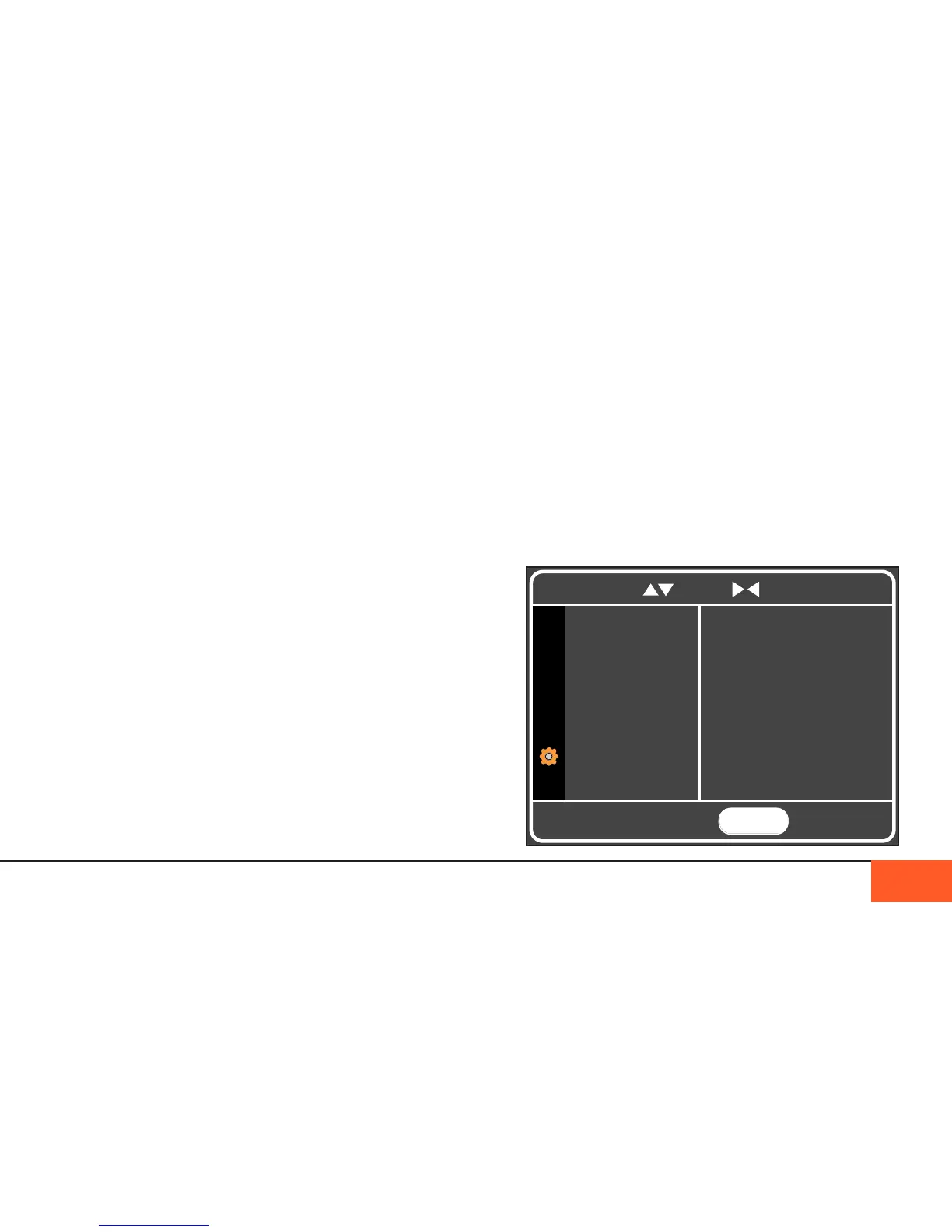
Settings Menu
The SETTINGS Menu allows you to adjust the DATE and TIME
of your camera, to set up whether your want your camera
to power down after one or ve minutes of inactivity, and to
restore the factory default settings.
You can also view the camera’s rmware and hardware
versions, control the speed of the camera’s built-in fan, and
access diagnostic information useful for troubleshooting.
DISPLAYS AND MENUS 25
OVERSCAN guarantees you see the full image being recorded
when using external monitors. Some monitors and EVFs crop
the 2K image to 1080, not showing you the entire frame being
recorded, which can lead to accidentally recording elements
outside the 1080 view. With this mode ON, you know that you
are seeing the complete recorded image.
MIRROR LCD ips the image on your LCD.
HDMI OUT and SD VIDEO OUT ned to be turned on when you
have an external monitor connected via HDMI or SD port.
Warning: Using RAW mode while LCD GAIN is set to LOW
may make it difcult to judge proper exposure.
COLOR MODE
COLOR MODE allows you to choose whether your monitor
displays a color image while shooting. If you do not want to
preview your image in color, you may choose to show your
monitors in BLACK & WHITE or NON-DEBAYERED mode
instead, which is useful for checking accurate exposure and
sharpness of their footage. Shooting with one of these alternate
modes will not effect your metadata or recorded color image.
Warning: RAW mode will appear to show a grid on your
monitor. This grid will not appear on your nal image
MENU
TO EXIT
DATE / TIME
POWER MGMT
SET DEFAULT
CAMERA INFO
FAN CONTROL
DIAGNOSTICS
To navigate, use to scroll to select and return



 To Next Page