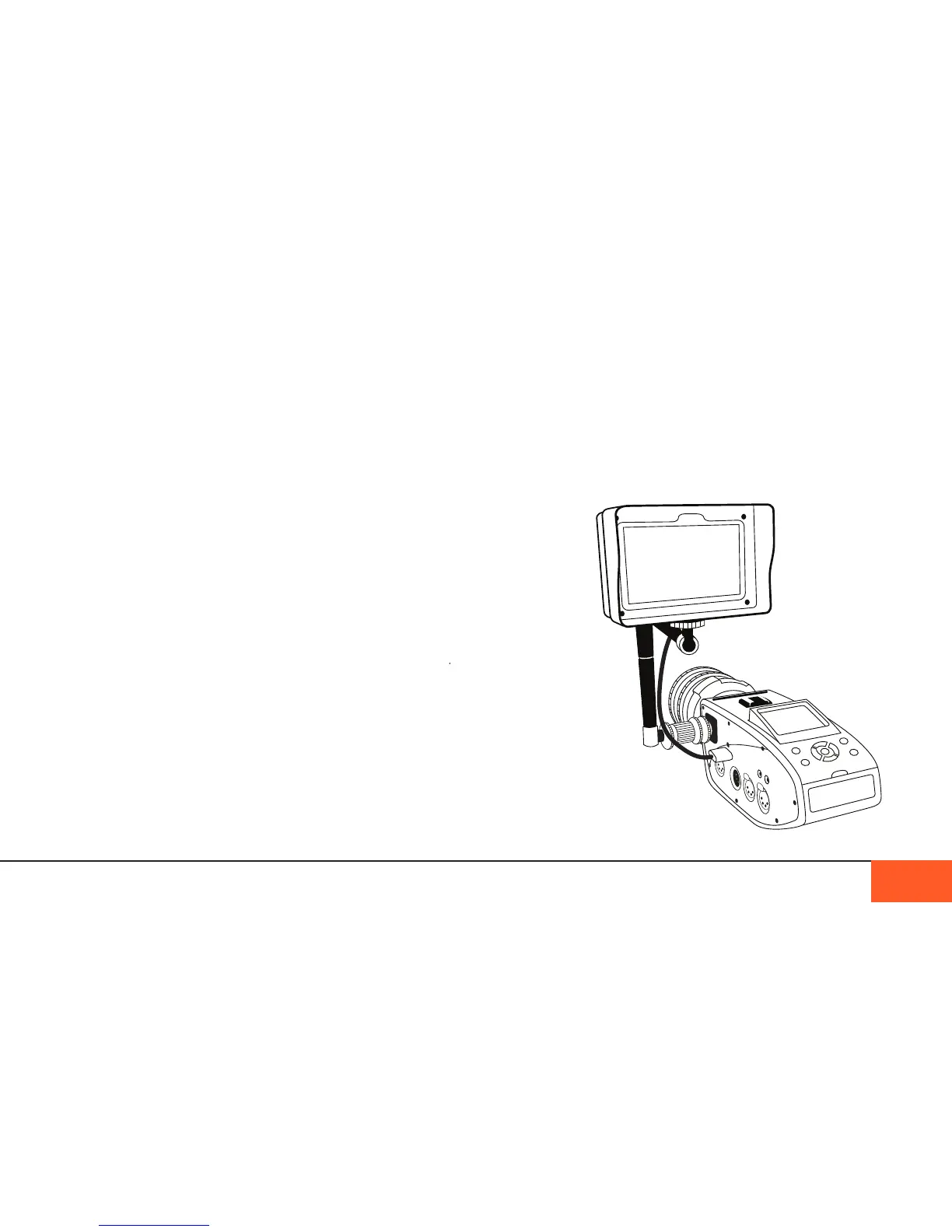
HDMI out to external monitor
The D16 features a full-sized HDMI port that provides a 1080p
signal compatible with any HD monitor, including wireless
monitors.
Recording the HDMI signal
Some users may want to record the 1080p video signal through
the HDMI port in order to save it as a compressed video le.
Recording the HDMI signal is technically possible via a variety
of third party recorders.
Other cameras with built-in image compression are capable of
outputting a signal compatible with HDMI standards, however
due to the raw recording format, recording a clean HDMI signal
is not possible with the D16.
Because an HDMI signal is not capable of showing the full
color-depth of 12-bit raw, this signal is not as accurate to color,
brightness, and saturation as HD footage you would normally
capture via HDMI on other cameras.
For this reason, we do not recommend recording the HDMI
signal, and instead suggest you transcode your raw les to
the desired video format so as to maintain the integrity of your
footage.
VIDEO MONITORING 31
Attaching an EVF
EVFs that take advantage of the D16’s HDMI output are perfect
companions to the camera when you need more critical focus or
looks while shooting.
The top and side cold shoes of the D16 are perfect mounting points
for an EVF.
eVf MounteD to siDe shoe
Via aDjustable aRM



 To Next Page