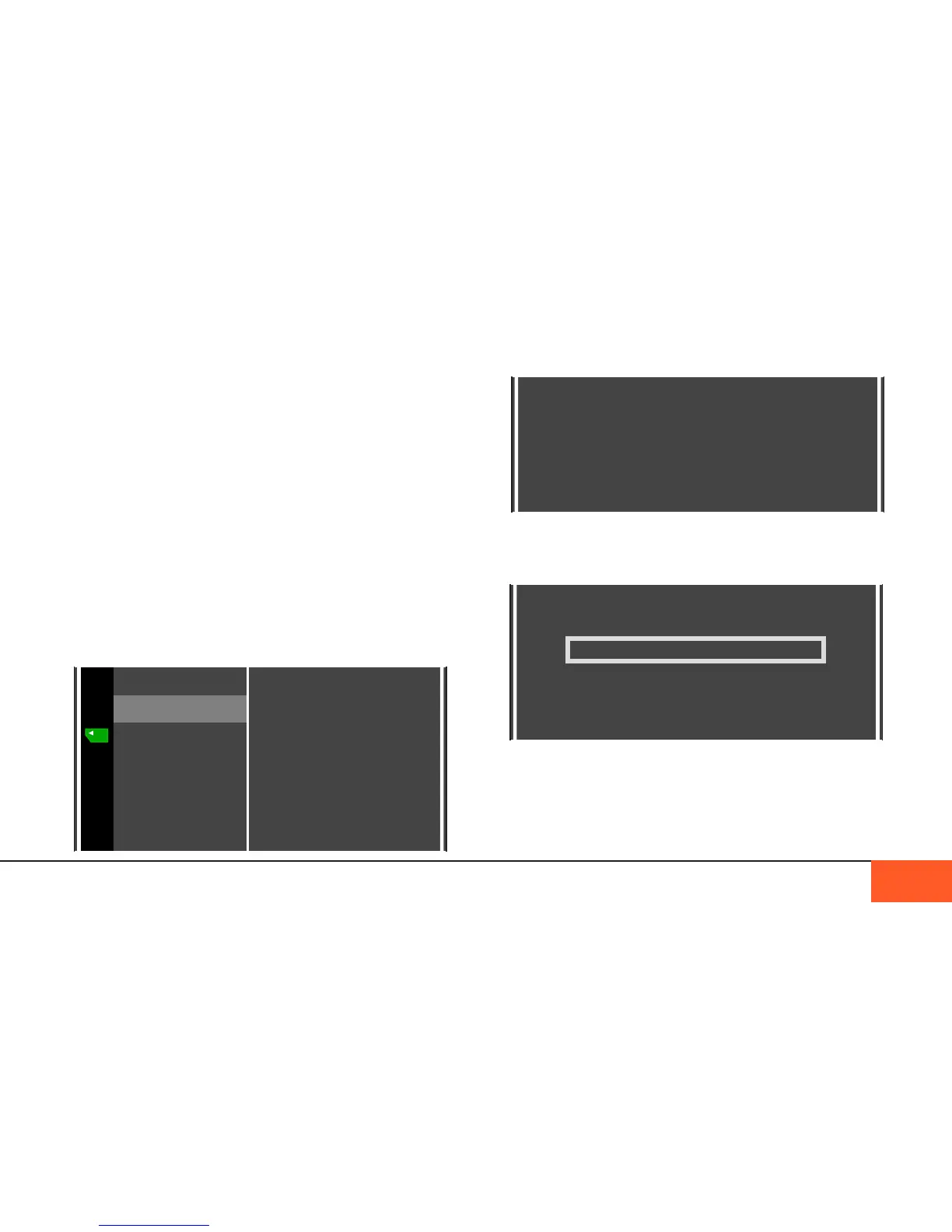
Data Menu
The DATA menu is where you control the data storage of the
camera. There are options to FORMAT your SSD and CF
CARDS, COPY data from the camera to a computer, and edit
the name of the directory where your footage is stored.
FORMAT SSD
Before you start shooting, and after your SSD is full, you will
need to format the SSD inside the camera.
Warning: before you format the SSD, make sure all of your
footage is backed up to an external hard drive or CF cards. To
transfer directly from the SSD to a computer, see “tRansfeRing
Via coMputeR” on PAGE 22.
In the DATA menu, select the SSD FORMAT option and press
ENTER to start formatting your drive.
DISPLAYS AND MENUS: FORMATTING 20
On the next screen, conrm that you want to format the drive.
Once you press YES to conrm, you must keep the camera on
until formatting is completed.
When formatting is complete, you may now shoot.
To format a CF card, using the CF CARD A and CF CARD B
options and repeat this process as needed to prep CF cards
before shooting, and after backing up full CF cards.



 To Next Page