DISPLAYS AND MENUS 24
Display Menu
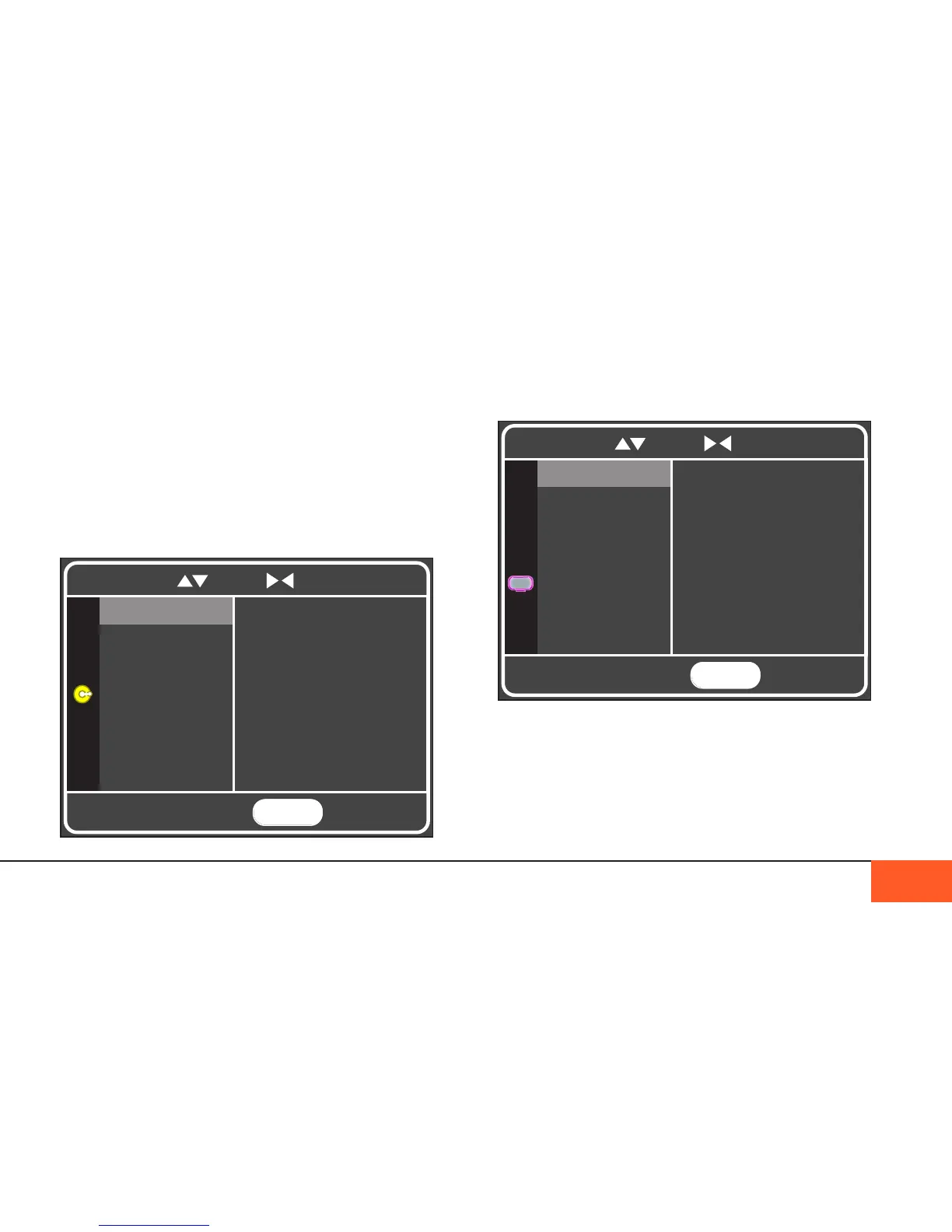
The DISPLAY menu lets you change the look of your home
screen and external monitor.
LCD GAIN controls the brightness of the onboard monitor. It is
recommended to leave this setting on MED whenever possible.
ICONS LCD allows you to choose whether your home screen
icons appear on your onboard display; these can also be
removed temporarily by cycling through the alternate displays
with the DISP button (See “alteRnate Displays” on Page 17.)
Crank Menu
The CRANK menu allows you to assign different functions to
the front and rear crank wheels on the left side of the camera,
allowing you to adjust those settings while recording without
needing to re-enter the menu.
Settings include SHUTTER ANGLE, LCD GAIN, HEADPHONE
VOLUME, ISO, COLOR MODE, and LCD ZOOM, which allows
you to zoom in to a 1:1 view of your footage, perfect for checking
focus. Select OFF when not using cranks to avoid accidentally
changing these settings while shooting.
MENU
TO EXIT
OFFCRANK 1
CRANK 2
Shutter Angle
ISO
LCD Zoom
HP Volume
LCD Gain
Color Mode
To navigate, use to scroll to select and return
MENU
TO EXIT
LOW
LCD GAIN
ICONS LCD
MED
HIGH
COLOR MODE
OVERSCAN
MIRROR LCD
HDMI OUT
SD VIDEO OUT
Enhanced 1
Enhanced 2
To navigate, use to scroll to select and return



 To Next Page