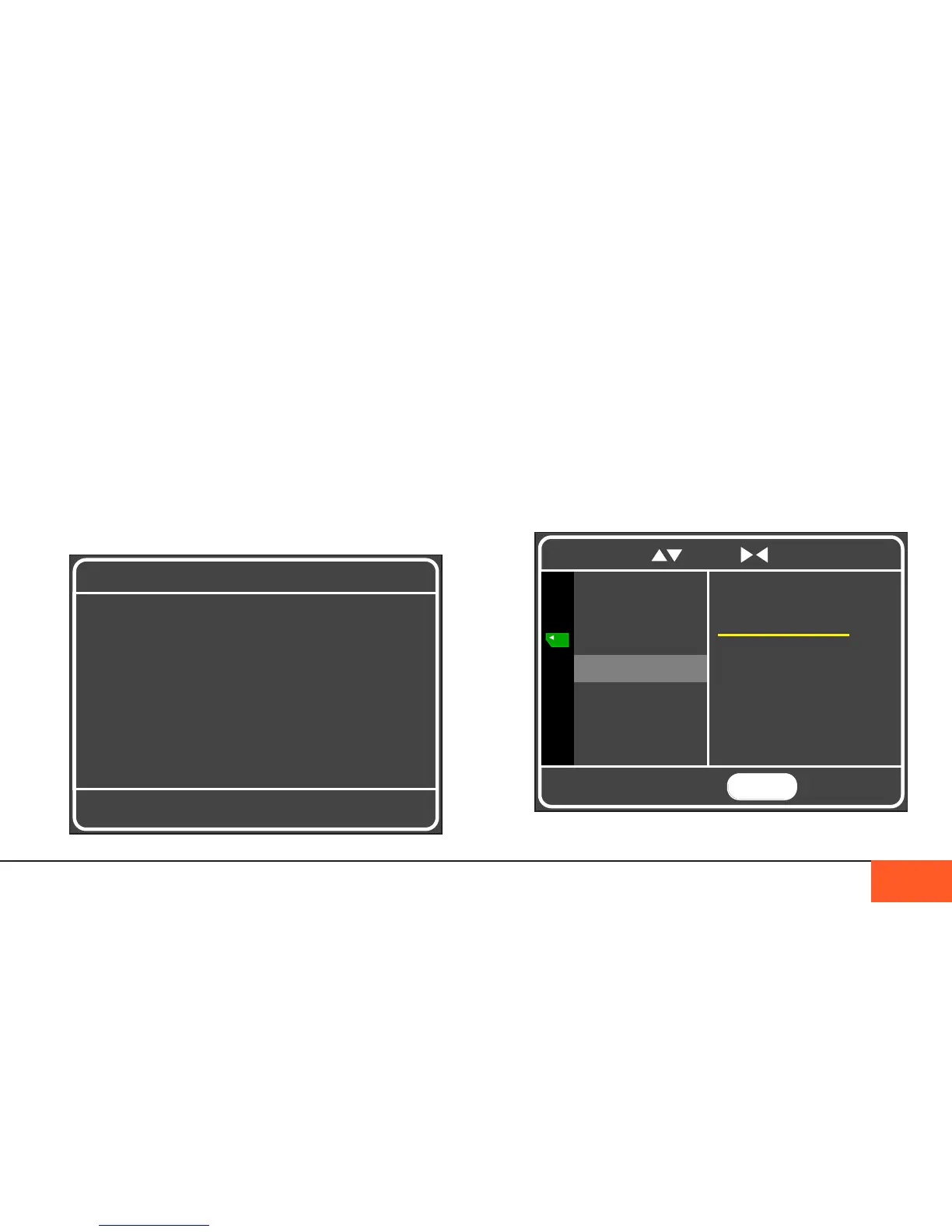
DIR NAME
By default, the D16 records footage to a folder labeled with the
date of your shoot, and inside that a Scene number starting
with Scene-001.
If you would like to change the name of the directory your
footage is stored in, you may do so here. Select the DIR NAME
option in the DATA menu, then use the up/down arrows to select
letters or numbers. Hit enter or back to save your folder name.
DISPLAYS AND MENUS: DATA TRANSFER 23
MENU
TO EXIT
Folder Name :
S c e n e - 0 0 1
COPY DATA
SSD FORMAT
CF FORMAT
DIR NAME
Press ENTER to store
To navigate, use to scroll to select and return
KEEP YOUR CAMERA POWERED AT ALL TIMES
Data transfer may take a long time depending on how much
footage you have to copy, whether you are using fast CF cards,
and whether your computer is equipped with USB3 capabilities. To
ensure proper copying of your data if the camera is still powered
on, make sure to keep your camera plugged in while you copy.
If the battery gets too low, you will receive one warning to plug in
your charger or an external battery. If you are not able to connect
to a power source, your camera may shut down, causing errors to
the SSD and potentially corrupting CF cards.
WARNING:
Battery Low.
Plug in Charger.



 To Next Page