DISPLAYS AND MENUS 18
Menus
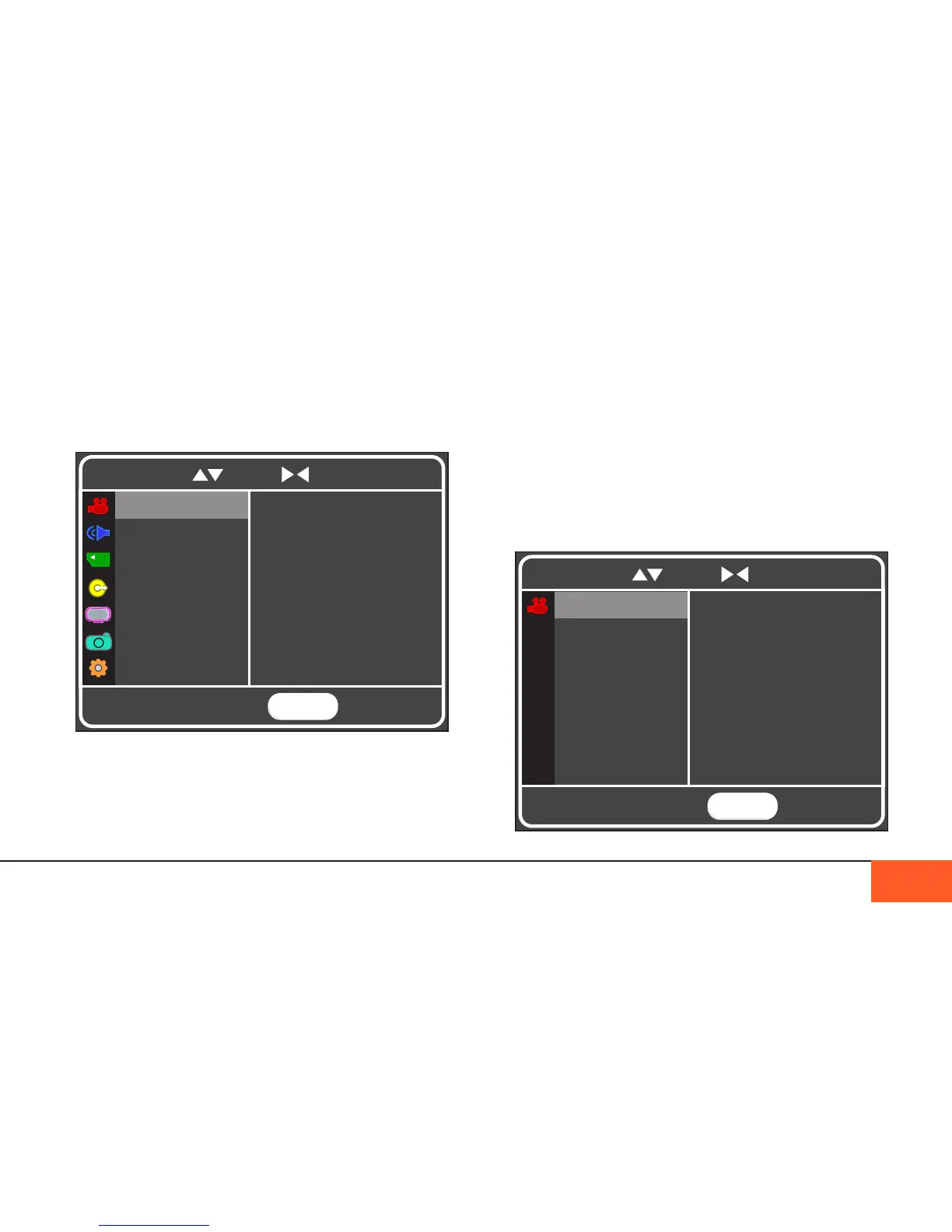
When you press the MENU button on your camera, the menu
will display in your onboard monitor. The menu consists of a
MAIN MENU and seven submenus: IMAGE, SOUND, DATA,
CRANK, DISPLAY, SHOT MODE, and SETTINGS.
Navigation
Use the arrow buttons to scroll through the submenus. Use right
to select a setting to change, up/down to scroll to your preferred
Main Menu of the D16. hit the Menu button to open; Menu again to close.
option for that setting, and press and right again (or ENTER)
to save your selection. Then use left to return to the submenu
and adjust other settings, or hit MENU to exit the menu display.
Image Menu
The IMAGE menu settings control the look of the image, like
RESOLUTION, FRAME RATE, ISO, SHUTTER ANGLE, and
DEAD PIXEL CORRECTION. These items all affect the look of
your recorded image beyond stored metadata. Always make
sure that these settings are correct before you begin to shoot.
MENU
TO EXIT
RESOLUTION
FORMAT
ISO
FPS
SHUTTER ANG
Adjust resolution
2048 x 1152 (2K)
WHT BALANCE
DPC FILTER
To navigate, use to scroll to select and return
To navigate, use to scroll to select and return
MENU
TO EXIT
Adjust settings that
aect image capture
IMAGE
SOUND
DATA
CRANK
DISPLAY
SHOT MODE
SETTINGS
IMAGE



 To Next Page