QUICK GUIDE TO SHOOTING... In 8 Easy Steps!
11QUICK GUIDE TO SHOOTING
8) Power down your camera and connect it to
your computer via USB3 cable (See “Data Man-
ageMent” on Page 28) to access your footage.
The camera’s internal SSD drive will appear on
your desktop like any external hard drive, allow-
ing you to copy footage to a safe destination.
Warning: Do not turn on your camera while it
is still mounted to the desktop. This may cause
errors to your SSD. Always eject your camera’s
drive from the computer before turning it on.
To delete footage from the camera, navigate to
the FORMAT menu (See “Data ManageMent”, on
Page 28.) and format the drive in camera.
Warning: Never delete footage directly from
the hard drive through your computer. This may
cause the hard drive to perform abnormally.
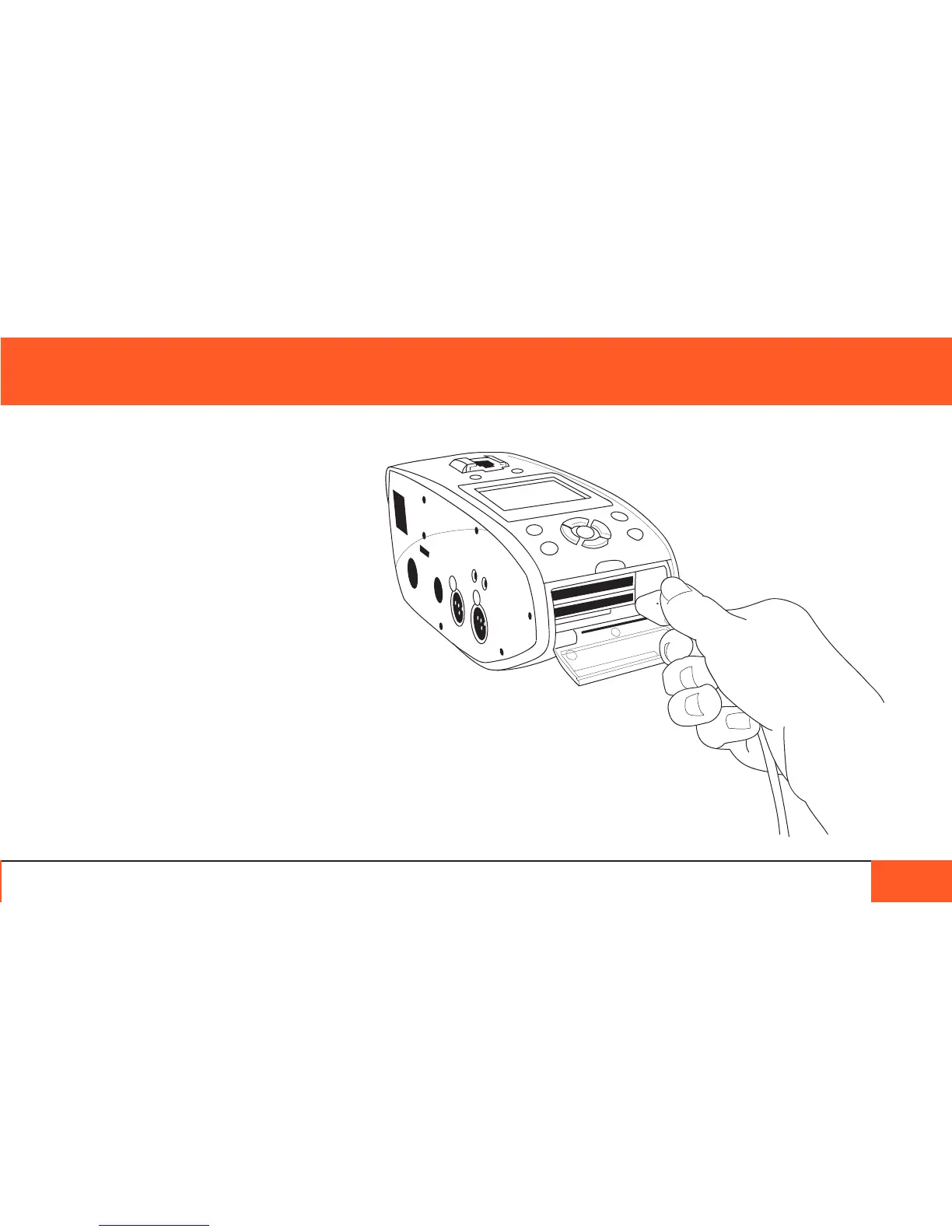
If you copied footage to CF cards, power down
the camera, remove your cards, and place them
in a card reader attached to your computer.
8 simple steps.
That’s all there is to it!



 To Next Page