OPERATIONAL MANUAL
D03S THERMAL TRANSFER OVERPRINTER - 41 -
4.4 START/ STOP THE PRINTER
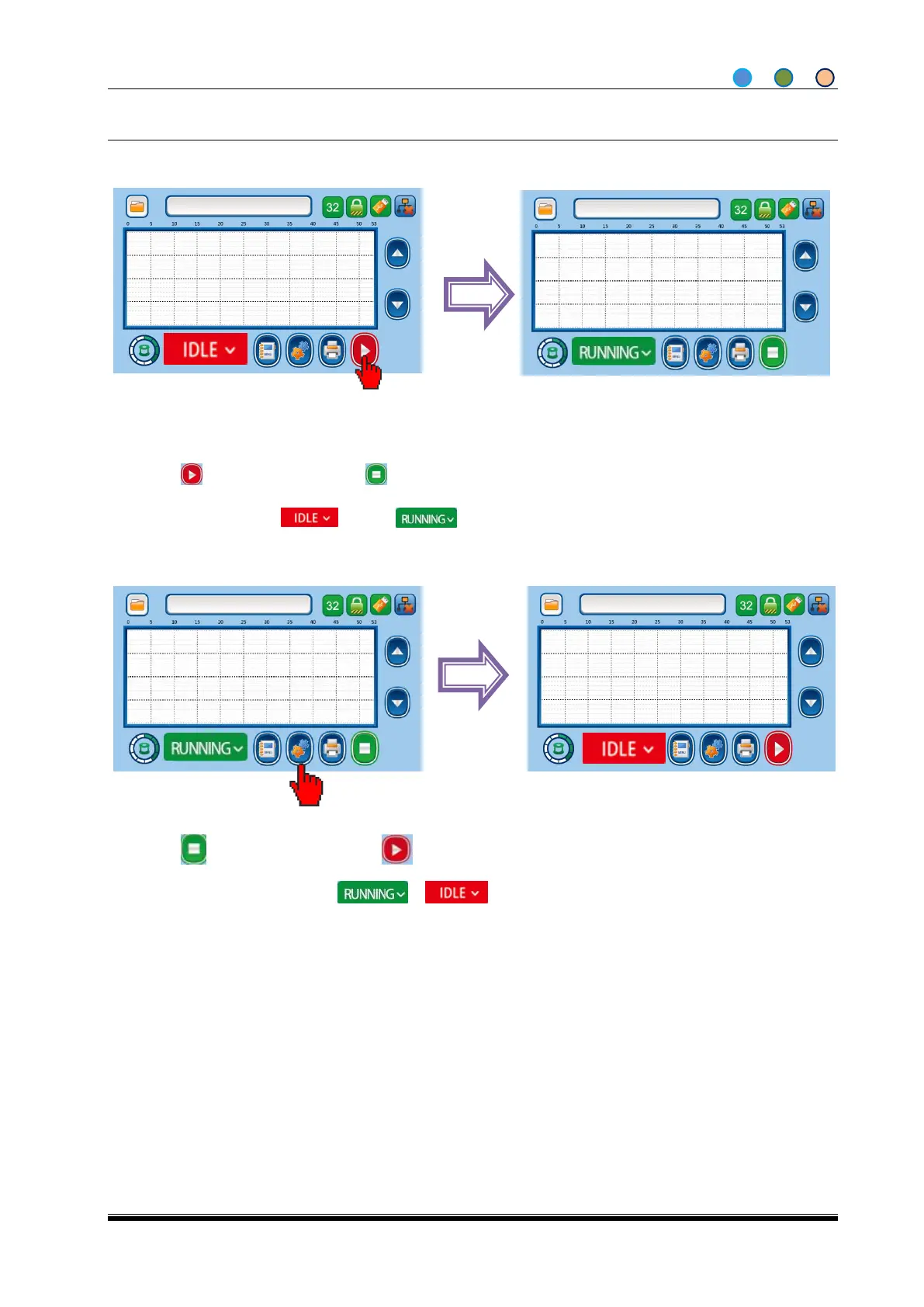
4.4.1 START THE PRINTER
1. After initialization, the printer stops in IDLE status (IDLE), choose the print job (refer to 4.5).;
2. Click , change to “RUNNING” ;
3. Printer change from to , printer starts working.
4.4.2 STOP THE PRINTER
1. Click , printer stops and show ;
2. When machine changes from to , machine stops.



 To Next Page