OPERATIONAL MANUAL
- 20 - D03S THERMAL TRANSFER OVERPRINTER
3.8 PRINT SIGNAL
Print signals are provided by packing machine or extra sensor. When connect with packing machine, an extra
relay is needed to avoid short circuit between packing machine & D03S.D03S prints once when the relay
finish a closing course. If print signal is provided by extra sensor, D03S prints once when it changes from low
to high voltage.
Please refer to 3.9 I/O Cable Connection for detailed wire connection.
Note: Defaulted print signal is PLC, for other print signal, switches should be changed according to below
instruction.
3.9 I/O CABLE CONNECTION
1. Connect Print Signal
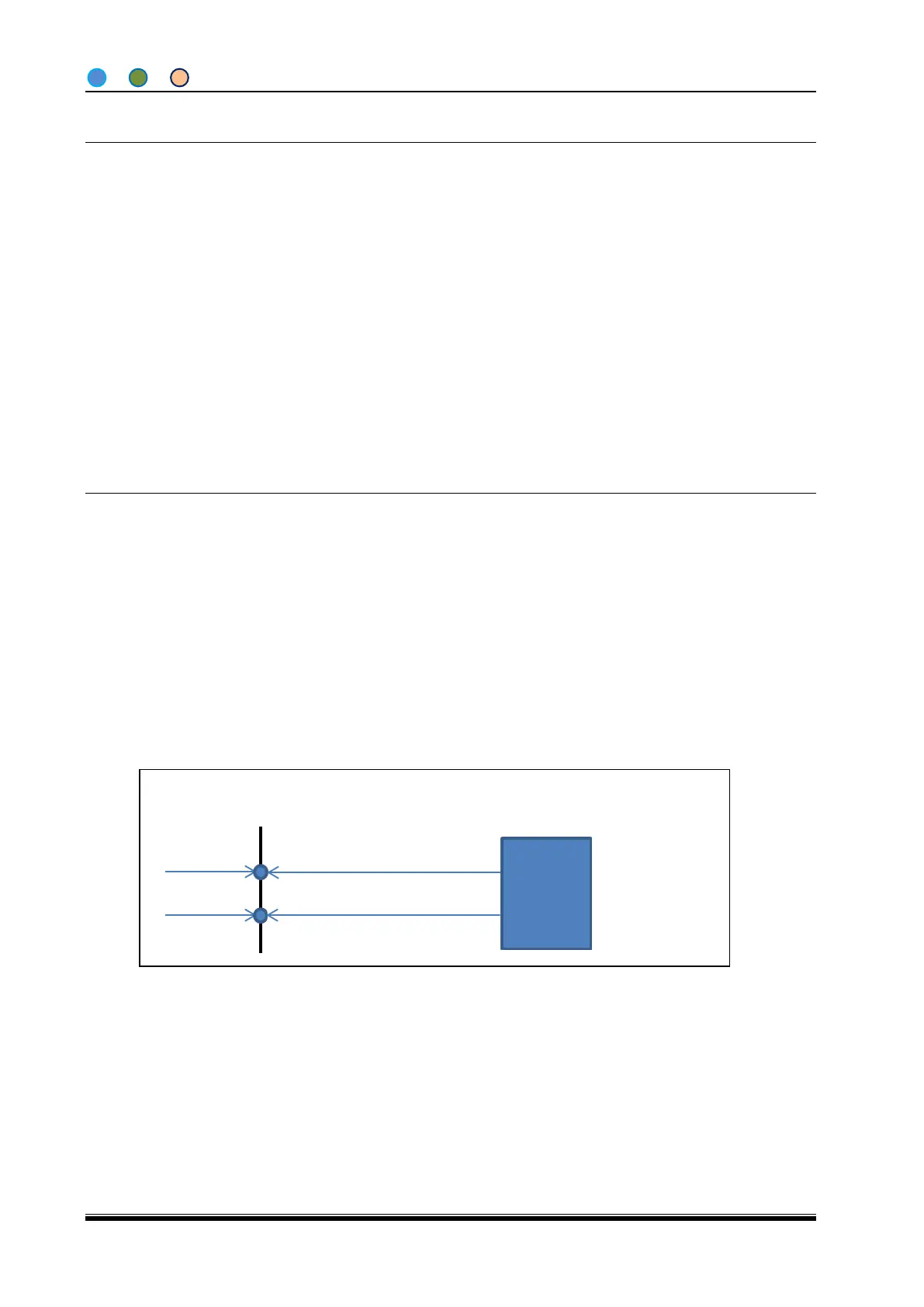
Currently only accept PLC signal, below is detailed wire connection:
Remark:
PRISIG+: Print Signal +, Pin 2 in I/O cable, color black;
PRISIG-: Print Signal -, Pin 3 in I/O cable, color blue;
PRISIG+, PRISIG- are passive, after connected, max current consumption is 20 mA.
1) NPN type PLC wire connection:
2) PNP type PLC wire connection:



 To Next Page