Operation Manual
D0 3 S Thermal Transfer Overprinter
- 71 -
5.1.2 Clean of Rubber Roller or Rubber Anvil
The rubber roller and anvil rubber is also need to be cleaned, use clean no-woven cloth, soaked in
clean water and wrung, clean dirt on the surface and make sure no hard object there in case the
damage of print head.
DO NOT use alcohol to clean rubber roller or rubber anvil.
5.2 MAINTENANCE SCHEME
5.2.1 Quick/Regular Daily Checks
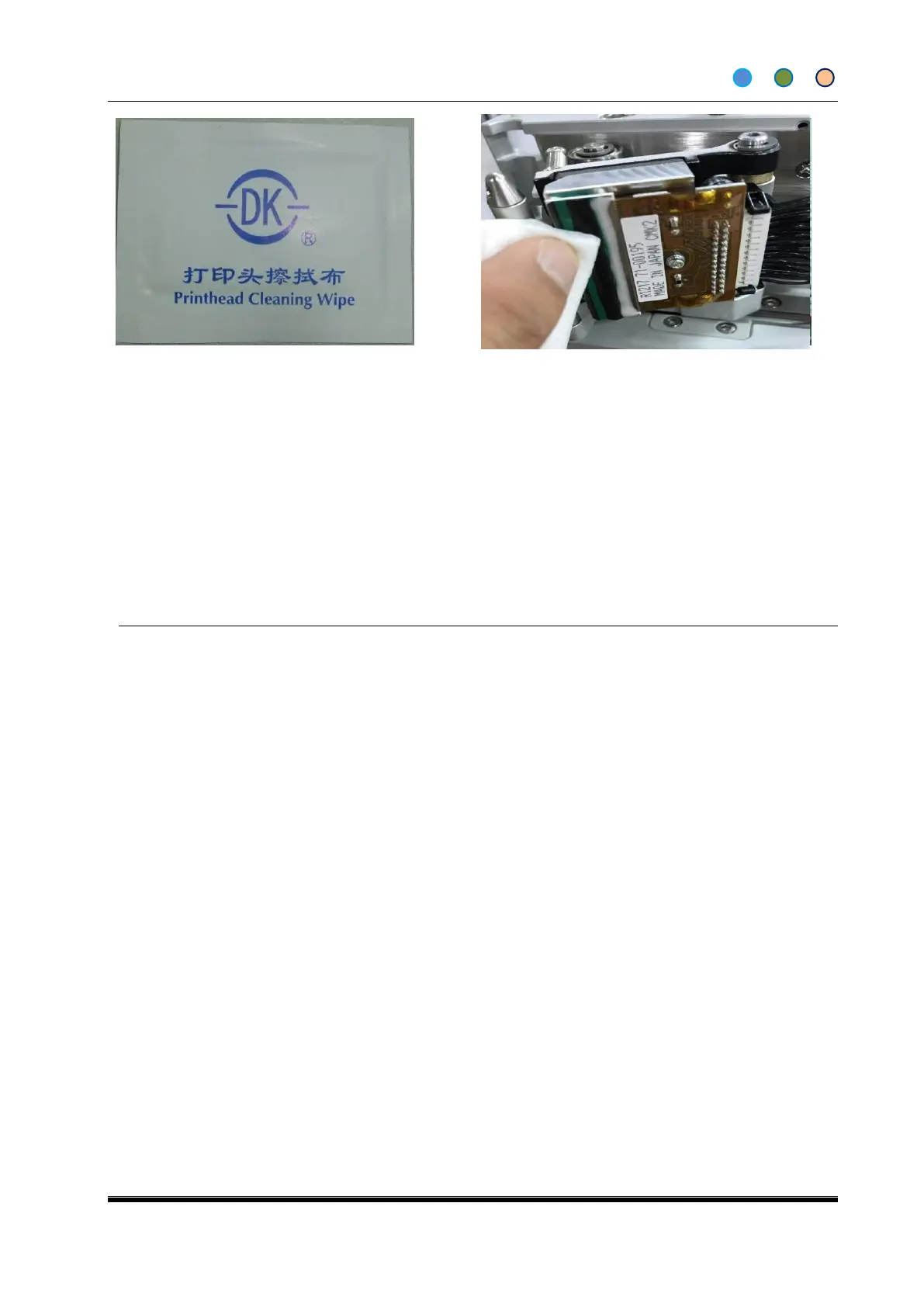
Check and clean print head. Use Isopropanol wipes.
Check that the ribbon is tracking through the cassette correctly. Pull the ribbon through by hand,
and visually check if the ribbon is creasing across the width of the ribbon.
Check Air is set to recommended pressure.
Check for wear or internal debris.
Check the peel roller, for any damage, must change a new one to make sure the roller works
smoothly.
Check if the print head is damaged by print result
Check driving and connection parts of bracket and print head: Pulleys, bearings, mounting
bracket and the shaft, the carriage moves smoothly.
Check the elasticity of the return spring.
Check that darkness/Speed settings are site standard. This will ensure that the print remains a
good quality, and it may also highlight any potential problems. For example, if the darkness is
unusually high, the print head may need cleaning. The darkness has probably been set up high
to compensate.
Check condition of Platen rubber. Clean or replace it if necessary. The platen rubber needs to be
smooth, flat and free from debris. To change the platen rubber, first take the old platen rubber off.
The entire adhesive should be removed from the metal platen base. Replace with a DIKAI platen
rubber for best results.



 To Next Page