OPERATIONAL MANUAL
- 42 - D03S THERMAL TRANSFER OVERPRINTER
4.5 FILE MANAGEMENT
4.5.1 EDIT PRINT FILE
5 Save the print job by clicking button (file name can’t exceed 8 characters), there will be 4 files
named with .bmp, .dk, .ft and .xml.
6 Build a folder named ‘dikai’ on the Sandisk USB provided by DIKAI, copy all 4 files to the ‘dikai’ folder.
The print job saved in other folder cannot be read by the printer.
7 Connect the USB with the printer, and import the print job to LOCAL FILE.
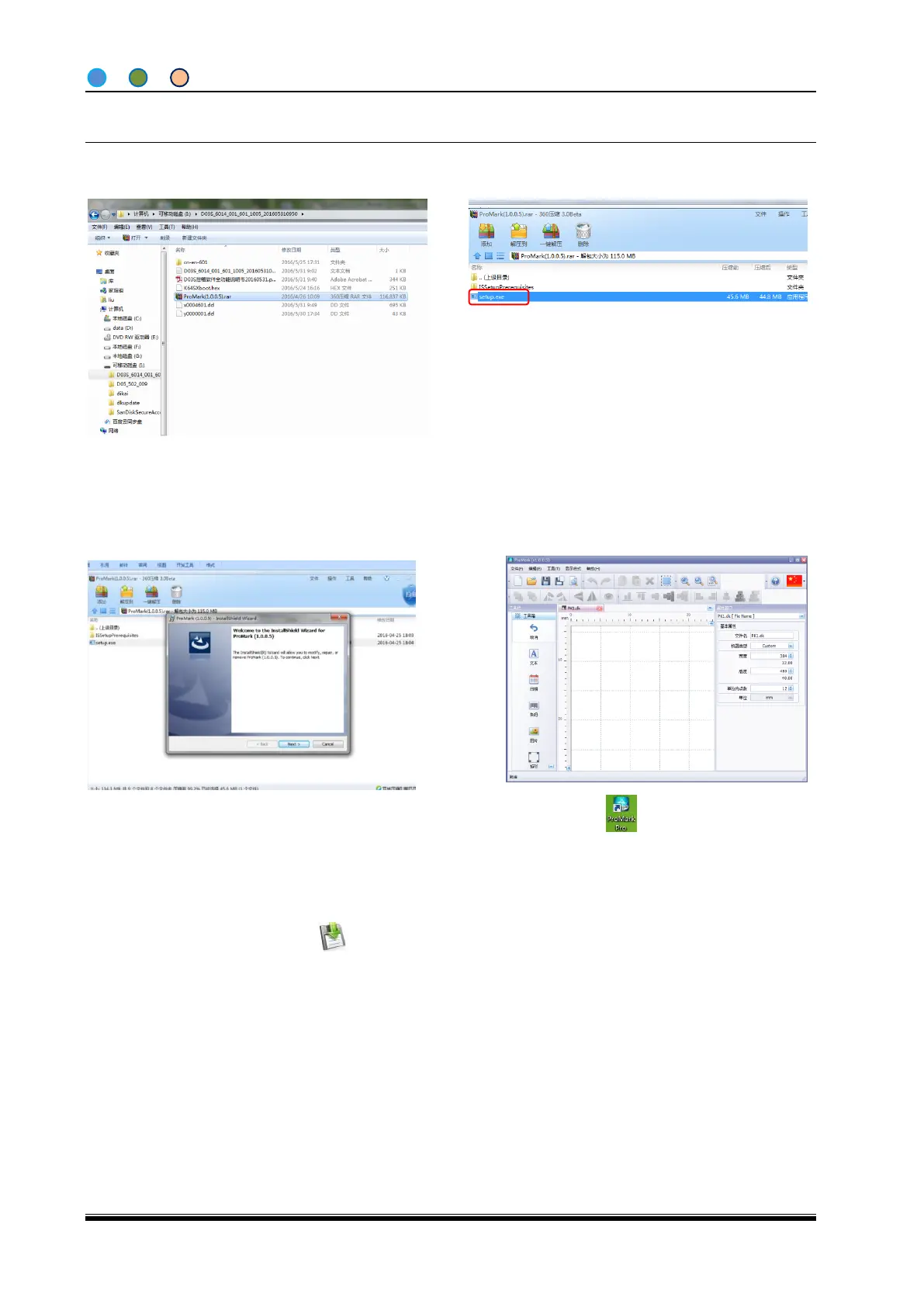
1. Open the USB and find “ProMarkPro” folder,
copy it into computer;
2. Open “ProMark Pro”, double click “Setup” to
install the software;
3. Go back to home page after installation;
4. Double click on homepage, enter
to edit print file.



 To Next Page