OPERATIONAL MANUAL
D03S THERMAL TRANSFER OVERPRINTER - 15 -
3.5 INSTALLING THE CONTROLLER
The control box is used for setting up the printer, it can access the maintenance and diagnostic function.
1. Mount the controller box away from potential sources of water spray or cleaning solutions.
2. Mount the controller box in the location convenient for operation and taking cables, no more
than 3m from the printer unit.
3. Keep cables be in orderliness.
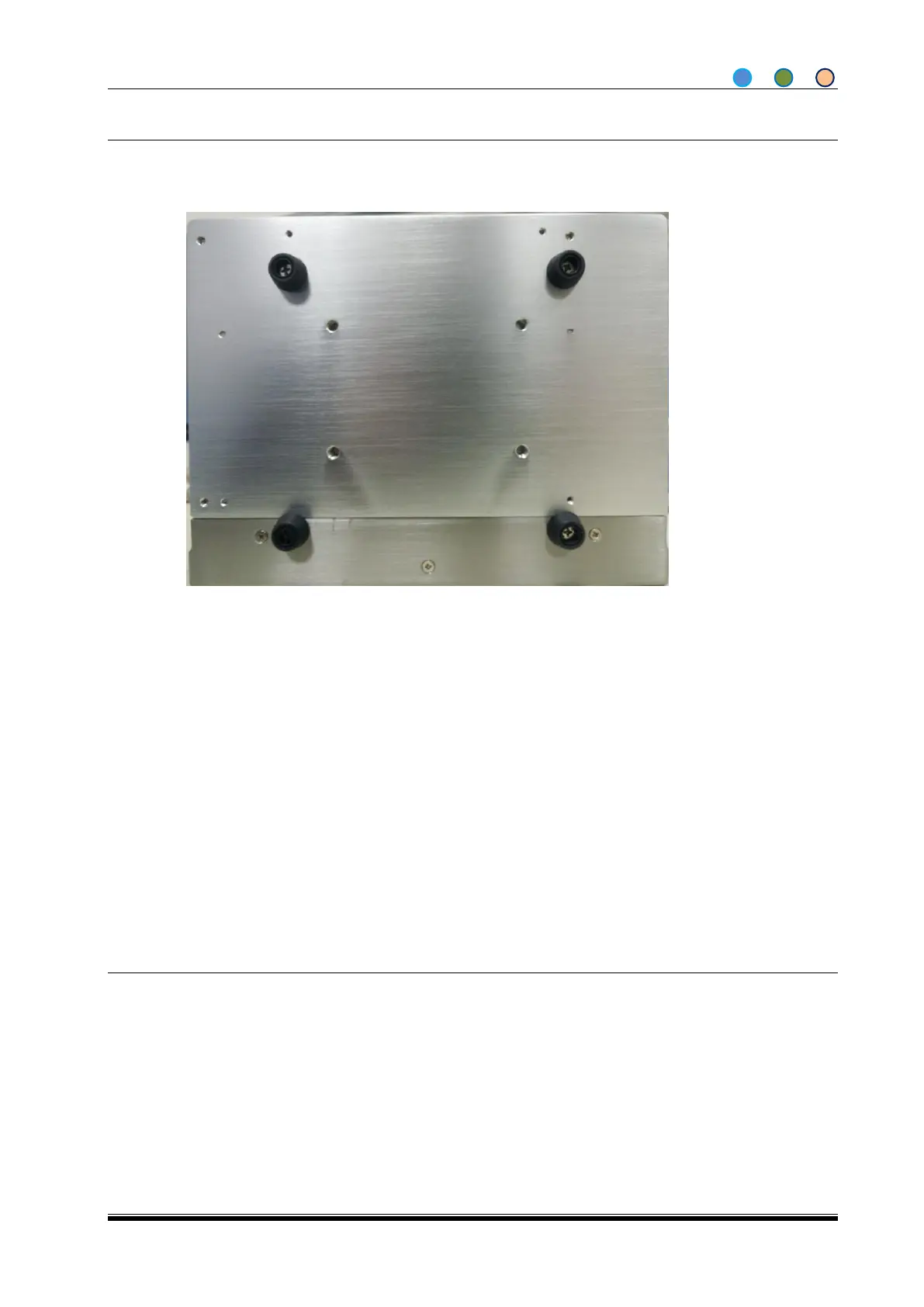
Take 4pcs rubber cushion off, fix the controller box by M6*16 screws, refer to Diagram 3.
CAUTION: Take care when mounting the Controller.Do not use screws which reach more than 10 mm into
the Controller housing and electrical components.
3.6 CONTROLLER CONNECTION POINTS
The connection points for the Controller Box are shown below:
1. USB Connector
Read and download print texts from the pre-loaded USB memory stick.
2. Drive Cable Connector
A D-Type 44-pin connector, connect the drive cable. Please make sure the connection is good to avoid
any damage.
3. Power Connector
Can be connected to packing machine for power supply.
Diagraph 1 The bottom of Controller



 To Next Page