EasyManua.ls Logo

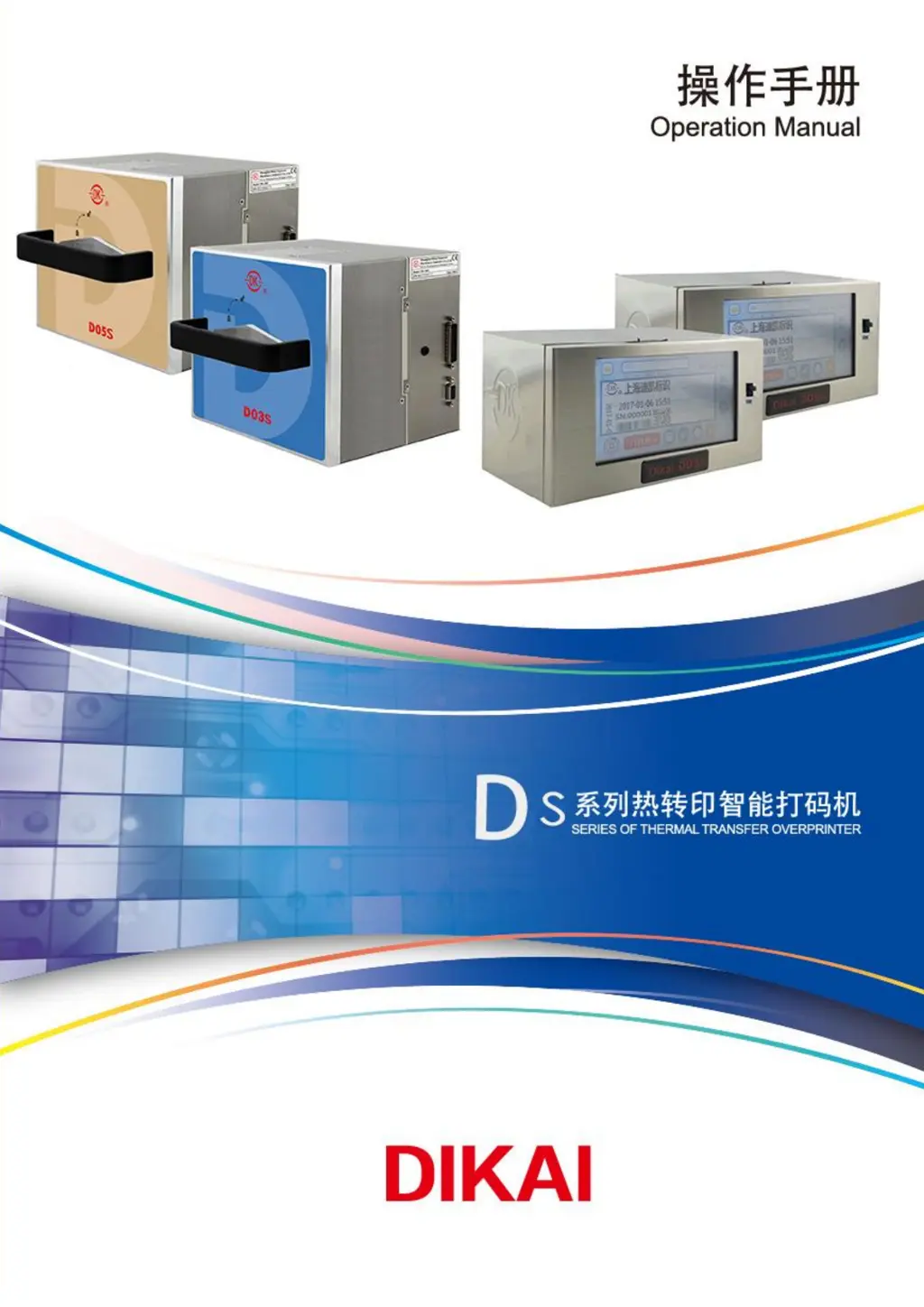
Dikai DK-D03S - User Manual

Dikai DK-D03S
90 pages
Print Icon
To Next Page IconTo Next Page
Loading...
DK-D03S V2.3 版本

Questions and Answers

Summary

NOTICE

Version Clarification

Details on manual updates and revisions.

GENERAL & SAFETY INFORMATION

GENERAL INFORMATION

General information and disclaimers about the manual.

INTRODUCTION TO D03 S

Introduction to the D03S thermal transfer overprinter and its technology.

LABELS AND WARNINGS

Explanation of warning, ground connection, and product labels.

TECHNICAL PARAMETERS

SAFETY GUIDELINES

OPERATION GUIDELINES

Crucial guidelines for safe operation of the printer.

APPLICATION AND ABUSING

Defines correct applications and prohibited uses of the printer.

INSTALLATION

COMPONENTS LIST

Lists and illustrates all components included in the packing list.

INSTALLATION REQUIREMENTS

Prerequisites and conditions necessary for printer installation.

STANDARD BRACKETS

Details and diagrams of standard mounting bracket assemblies.

MOUNTING BRACKET INSTALLATION

Procedures and key points for installing the mounting bracket.

CONTROLLER INSTALLATION

Guidelines for mounting and installing the printer's control box.

CONTROLLER CONNECTION POINTS

Identification and purpose of various connectors on the controller box.

PRINTER CONNECTORS

ENCODER CONNECTOR

Information about the encoder connector and its requirements.

AIR INLET AND PRESSURE REGULATOR

Instructions for connecting and setting up the air inlet and pressure regulator.

DRIVE CABLE CONNECTOR

Details on connecting the drive cable to the printer.

PRINT SIGNAL AND I;O CONNECTION

PRINT SIGNAL CONFIGURATION

How print signals are provided and their connection methods.

I;O CABLE WIRING

Wiring instructions for connecting print signals via I/O cable.

INSTALLATION DIMENSIONS

LEFT HAND DIMENSIONS

Detailed dimensional drawings for the left-hand printer unit.

RIGHT HAND DIMENSIONS

Detailed dimensional drawings for the right-hand printer unit.

CONTROLLER DIMENSIONS

Detailed dimensional drawings for the printer's controller box.

OPERATION

STARTING THE PRINTER

Step-by-step guide on how to power on and start the D03S printer.

HOME PAGE OVERVIEW

Overview of the printer's main interface and its key elements.

HOME PAGE ELEMENTS

Detailed explanation of icons and statuses on the home page.

SCREEN ICONS AND MENU STRUCTURE

MENU STRUCTURE

Visual representation of the printer's menu hierarchy and navigation.

QUICK SETUP MENU

Access and parameters for quick printer setup options.

ADVANCED SETTINGS

Access to advanced printer configuration and parameter adjustments.

ADVANCED SETTINGS PARAMETERS

Detailed explanation of various advanced setting parameters for printer configuration.

FILE MANAGEMENT

FILE MANAGEMENT

Options for managing print files, including local and USB storage.

MORE OPTIONS

Access to user list, I/O settings, and password management.

I;O SETTINGS

Configuration of input/output signals and alarm outputs.

DIAGNOSTICS

DIAGNOSTIC FUNCTIONS

Tools and functions for diagnosing printer status and issues.

DIAGNOSTIC PARAMETERS

Detailed descriptions of diagnostic checks and their options.

SYSTEM INFORMATION

SYSTEM STATUS AND DETAILS

Displays current printer status, software version, and operational counts.

START AND STOP THE PRINTER

STARTING THE PRINTER

Procedure to start the printer and transition it to running status.

STOPPING THE PRINTER

Procedure to stop the printer and return it to idle status.

FILE MANAGEMENT

EDIT PRINT FILE

Instructions for editing and creating print files using ProMark software.

IMPORT PRINT FILE

Steps to import print files from USB to the printer's local storage.

CHOOSE PRINT FILE

How to select and set a print file as the active working file.

EXPORT PRINT FILE

Procedure to copy local print files to a USB drive.

PARAMETER SETTING

SET HORIZONTAL OFFSET

Adjusting the horizontal print position of the output.

SET VERTICAL OFFSET

Adjusting the vertical print position of the output.

SET PRINT DELAY

Configuring the timing delay for print initiation.

SET PRINT GAP

Adjusting the gap between prints on the thermal transfer ribbon.

SET PRINT DENSITY

Adjusting the print darkness or ink transfer intensity.

PREVIEW IMAGE ROTATION

Previewing print jobs rotated by 180 degrees.

SET PRINTER ORIENTATION

Configuring the printer's operational orientation as left-hand or right-hand.

SET PRINTING MODE

Selecting between intermittent and continuous printing modes.

SET SYSTEM TIME

Setting the printer's internal clock and date.

SET PRINTER LANGUAGE

Changing the display language of the printer interface.

CHOOSE PRINTHEAD TYPE

Selecting the correct printhead type for the machine.

CHOOSE RIBBON TYPE

Selecting compatible ribbon types supported by the printer.

EDIT CUSTOM TEXTS

Modifying and creating custom text fields for printing.

SET SHIFT NUMBER

Assigning or changing the shift number for production tracking.

I;O SETTINGS

Configuration of input/output signals and alarm outputs.

CHANGE PASSWORD

Procedure for changing the printer's access password.

SHIFT CODE IMPORT

Importing shift code files to define printing content over time.

SYSTEM CALIBRATION

CALIBRATION PROCEDURE

Steps for calibrating the printer after hardware changes or updates.

CONTROLLER BOX UPGRADES

MAIN BOARD SOFTWARE UPGRADE

Process for updating the controller's main board software via USB.

INTERFACE FIRMWARE UPGRADE

Steps for updating the printer's interface firmware using an SD card.

CASSETTE AND RIBBON HANDLING

REMOVING THE CASSETTE

Instructions for safely removing the ribbon cassette from the printer.

CASSETTE STRUCTURE

Diagram illustrating the internal structure of the ribbon cassette.

LOAD;REPLACE TTR (LEFT-HAND)

Step-by-step guide for loading or replacing TTR on the left-hand model.

LOAD;REPLACE TTR (RIGHT-HAND)

Step-by-step guide for loading or replacing TTR on the right-hand model.

RE-CONNECT BROKEN RIBBON

Procedure for joining a broken thermal transfer ribbon.

TEST PRINTING

PERFORM TEST PRINT

How to conduct a test print to verify print quality and settings.

MAINTENANCE AND CARE

CLEANING AND CARE GUIDELINES

General advice on cleaning and maintaining the printer unit.

PRINTHEAD CARE

Specific instructions and recommendations for printhead maintenance.

CLEAN RUBBER ROLLER;ANVIL

How to clean the rubber roller and anvil rubber.

DAILY MAINTENANCE CHECKS

Routine daily checks to ensure optimal printer performance.

MONTHLY MAINTENANCE CHECKS

Scheduled monthly checks for printer components.

REPLACING THE PRINTHEAD

PRINTHEAD REPLACEMENT PROCEDURE

Detailed steps for safely removing and installing a new printhead.

REPLACING THE REEL ROLLER

REEL ROLLER REPLACEMENT

Instructions for replacing the worn peel roller.

TROUBLESHOOTING

COMMON ERROR ICONS

Explanation of icons indicating printer problems and their causes.

TROUBLESHOOTING SOLUTIONS

Solutions for common printer errors and operational issues.

SCHEMATICS AND PARTS ILLUSTRATIONS

CONTROLLER BOX COMPONENTS

Illustrated breakdown of the controller box and its parts.

CASSETTE ASSEMBLY COMPONENTS

Illustrated breakdown of the cassette assembly and its parts.

PRINTER UNIT PARTS

Illustrated breakdown of general parts for the printer unit.

PRINTER UNIT ASSEMBLY

Detailed illustrated breakdown of the printer unit with numbered parts.

SPARES AND CONSUMABLES

OTHER SPARES AND ACCESSORIES

List of other spare parts, optional parts, and accessories.

CONSUMABLES

List of consumable items for the printer, like printheads and cleaning wipes.

RECOMMENDED SPARES

List of recommended spare parts for maintenance and replacement.

CONSUMABLES INTRODUCTION

DIKAI TTR TYPES

Introduction to DIKAI's range of Thermal Transfer Ribbons (TTR).

WAX;RESIN TTR DETAILS

Description of Wax/Resin TTR properties and applications.

RESIN TTR DETAILS

Description of Resin TTR properties and applications.

Dikai DK-D03S Specifications

General IconGeneral
BrandDikai
ModelDK-D03S
CategoryIndustrial Equipment
LanguageEnglish