OPERATIONAL MANUAL
- 32 - D03S THERMAL TRANSFER OVERPRINTER
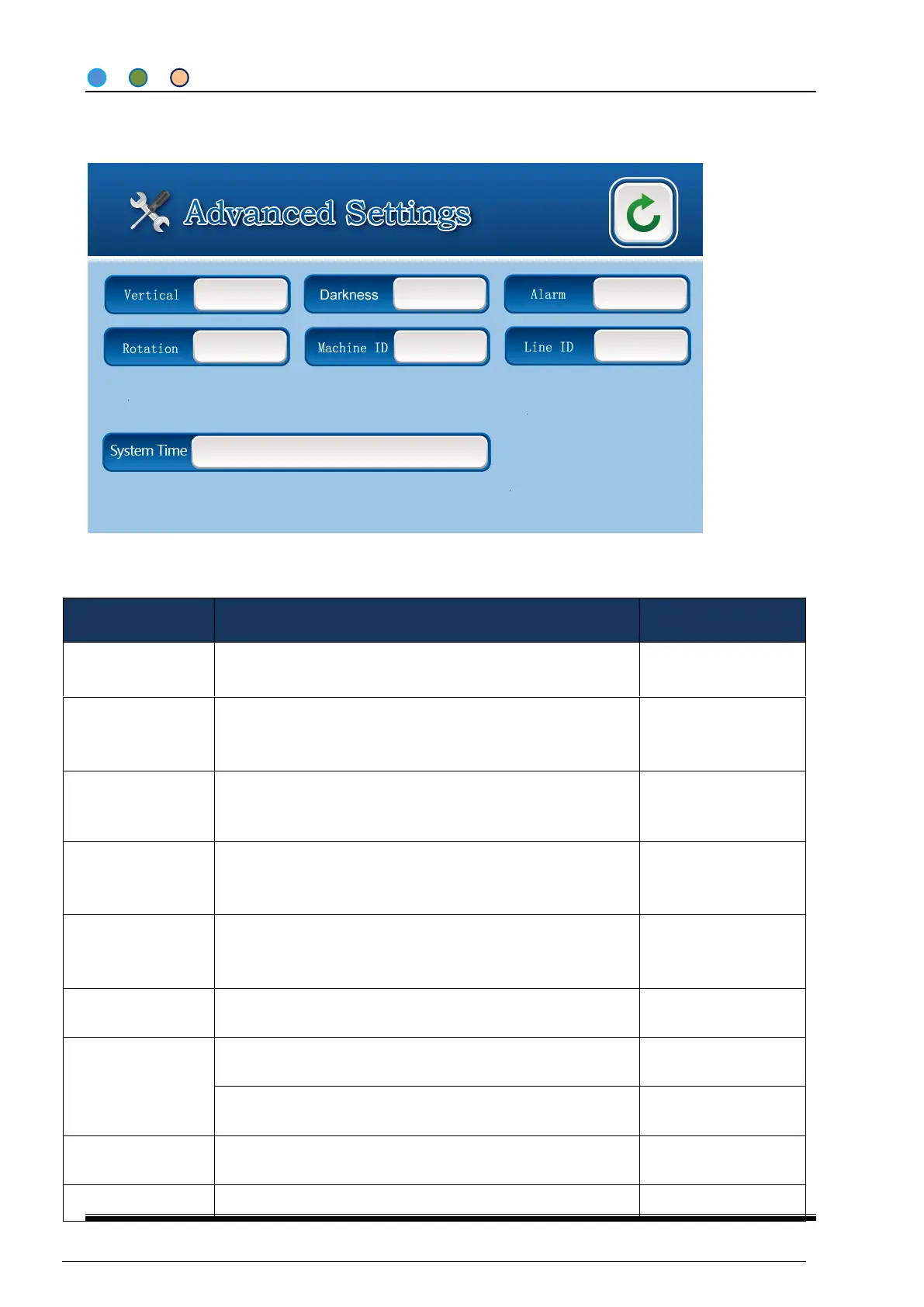
4.3.5 ADVANCED SETTINGS (USER PAGE)
Remark: Click “ADVANCED SETTINGS” to enter with password 1111.
Time of print head going down. Please adjust this value when
prints show blurring or bur in the beginning of printing.
Time of print head going up. Please adjust this value when
prints show blurring or scratch in the end of printing.
Print Speed in
Intermittent Mode
Print head movement & heating speed in intermittent mode
Int: adjust print content in vertical direction;
Con: adjust print head position to make it in the central of
rubber roller.
Shield the signals with a voltage less than the default value
INT: Shield all signal in minimum interval time;
CON: Shield all signal in minimum interval distance;
width & type of ribbon using
15-25mm/30-40mm &
55-60mm for choice



 To Next Page