


 To Next Page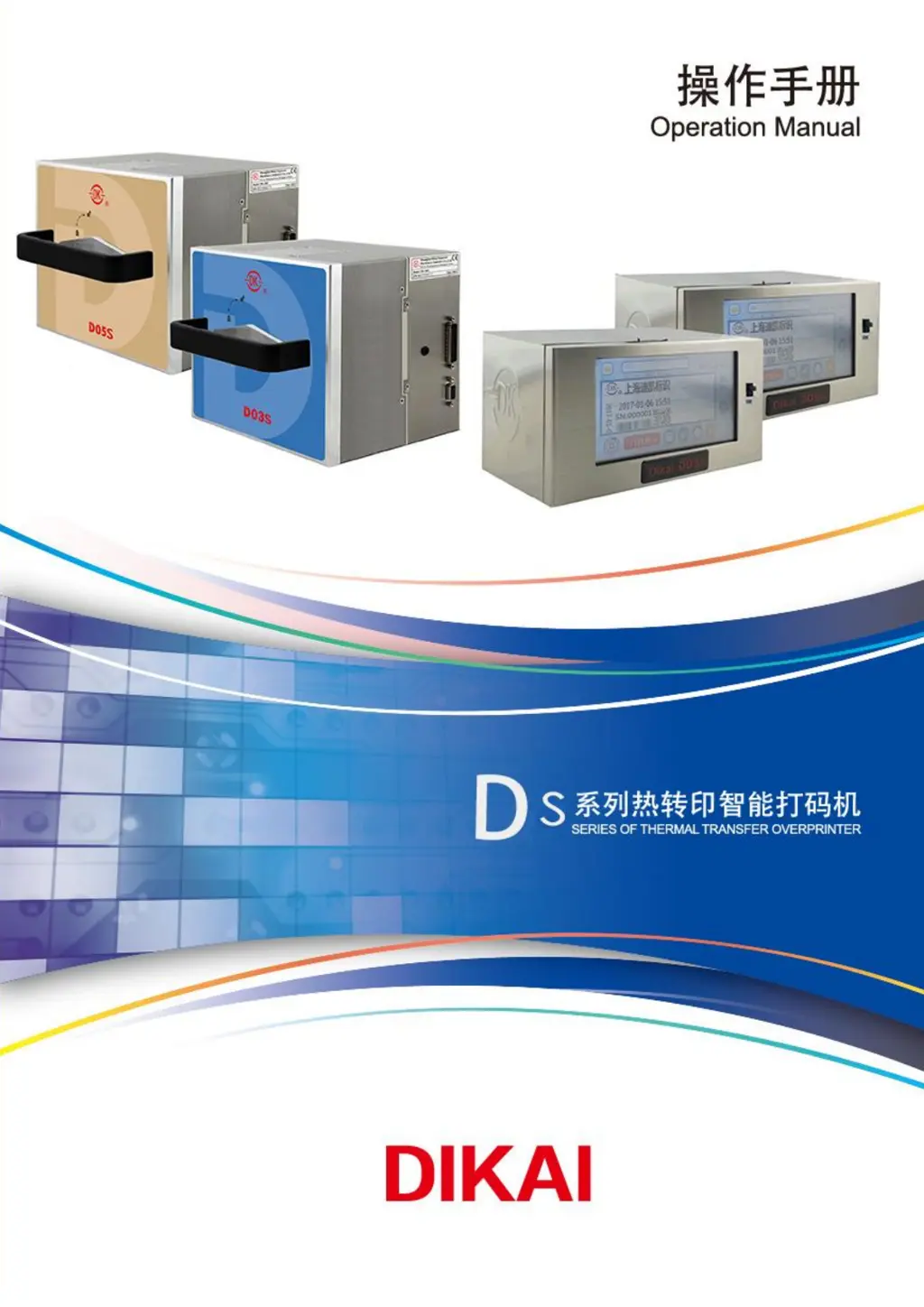
J
Jillian HawkinsSep 10, 2025
Why is the printing quality poor on my Dikai DK-D03S?
- JJasmine CummingsSep 10, 2025
If your Dikai Industrial Equipment has poor printing quality, ensure the TTR is even. Clean a dirty printhead with a DK clean wipe. Check for a dirty or damaged rubber anvil or roller. Ensure proper darkness settings. Make sure the TTR is available between the printhead and reel roller. Confirm the printer is steadily installed without any swing, and ensure proper space between the printhead and rubber anvil or roller, as well as proper air pressure.
 General