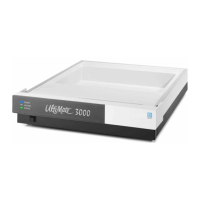
UltiMate 3000 Nano and Cap- System Installation and Application
12
• Prepare the individual modules as described in the Operating Instructions for the respective
instrument.
• Connect the modules on the rear panel as described in Rear Panel Connectors (→ page 8).
• For examples of the fluid connections between the system modules, refer to Application
Examples and Fluid Connections (→ page 13).
• Use the power cords shipped with the instruments to connect the units to the mains. Turn on
the instruments by pressing the power switch on the rear panel.



 To Next Page