© 2006 Directed Electronics—all rights reserved
60
valet mode
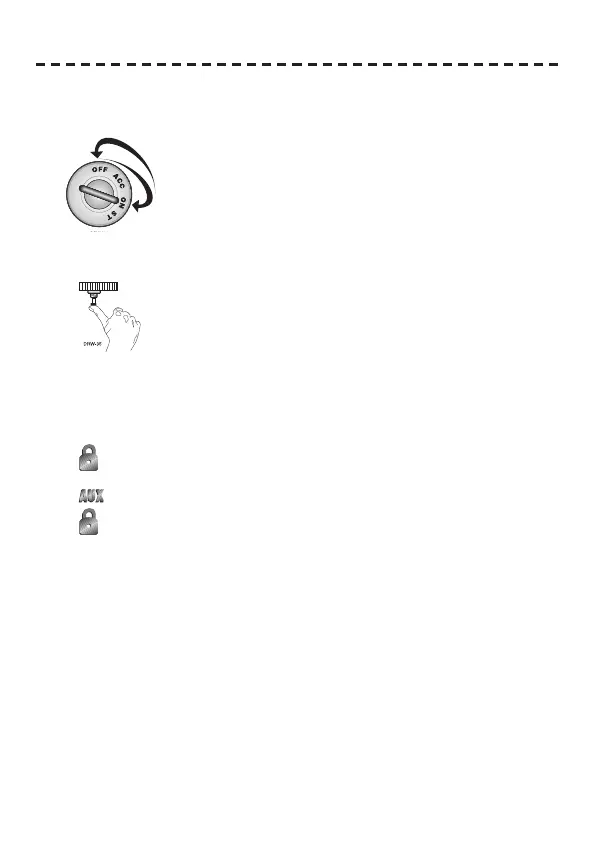
To enter or exit valet mode with the valet/program switch:
1. Turn the ignition key on and then off.
2. At anytime during the next 10 seconds, press and release the
Valet switch. Now the Status LED will light constantly if you have
entered Valet® Mode, and go out if you have exited Valet Mode.
To enter or exit Valet mode with the remote control:
1. Open any door.
2. Press
on the remote control.
3. Press
.
4. Press
again. You have now entered or exited Valet Mode (verify by checking your status LED).



 To Next Page