- 24 -
0DT866 2016-01-25
6. PROGRAMMING
STEP 1
st
level options 2
nd
level options Menu scrolling Notes
1
Select language
Conrm with:
Conrm with:
ENGLISH
ITALIAN
FRENCH
GERMAN
SPANISH
2
Door model
Conrm with:
Conrm with:
SRN300
SMART PLUS
SMART RESET
SECTOR PLUS
SECTOR RESET
TRAFFIC C
ALIMAX
3
Position control
Conrm the Limit Switch option
with:
Conrm with:
LIMIT SWITCH
ENCODER
4
Calibrating positions
The door will move to the required
position in operator present mode and
at low speed.
Conrm the Limit Switch position after
setting
Conrm with:
CLOSED POSITION
PARTIAL POSITION
(indicates the deceleration start
position)
OPEN POSITION
5
Command mode
Conrm with:
Conrm with:
IMPULSIVE
DEAD MAN
6
CONFIRM DATA
Conrm with:
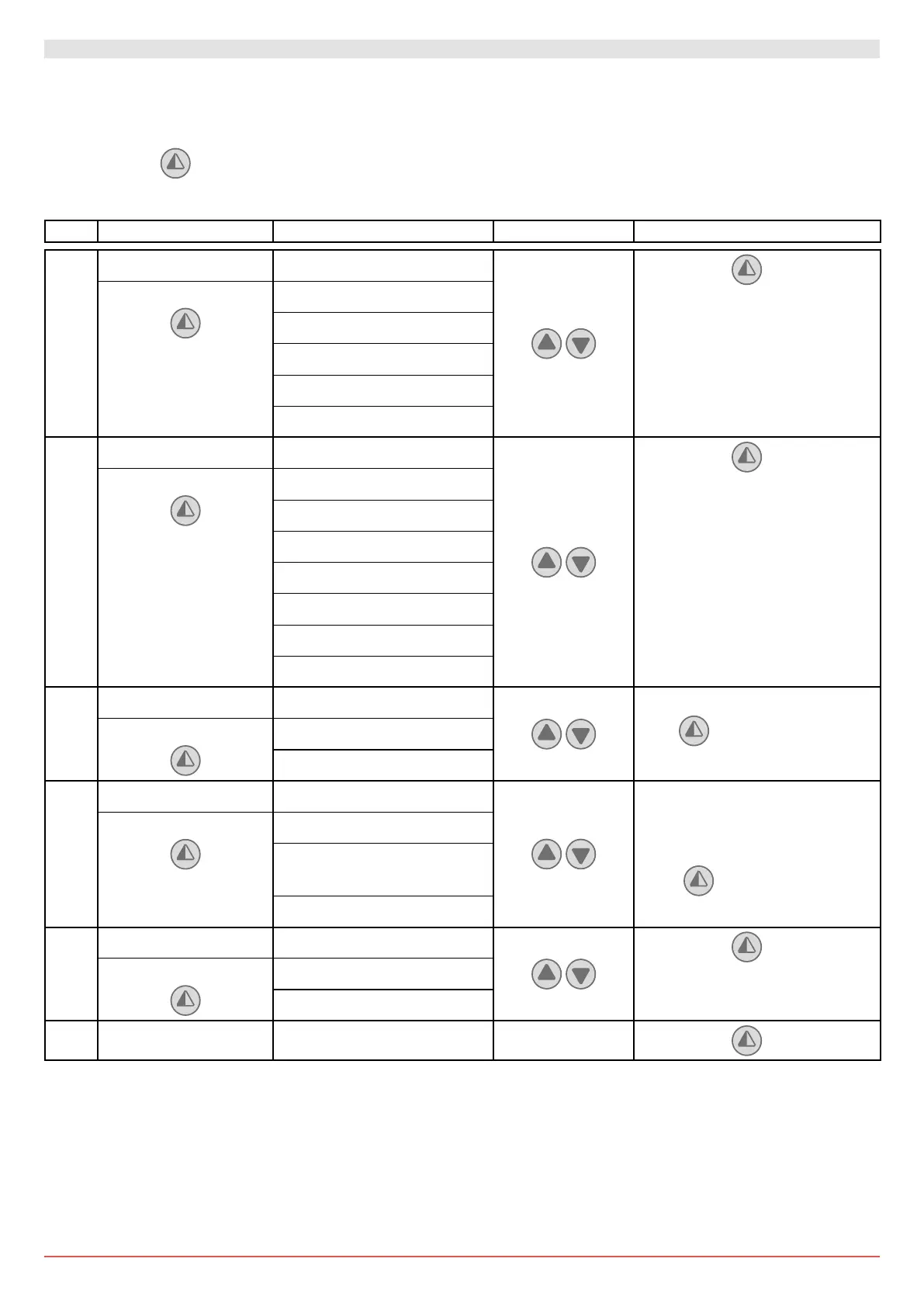
6.1 INSTALLATION MENU
When the control panel is switched on, after showing the messages DITEC ENTREMATIC and microprocessor and card FW
VERSION, the device automatically enters the installation menu and displays the message SELECT LANGUAGE.
PROGRAMMING COMPLETED
The door is now programmed and operating (with automatic closure and pulse command) with the set default speed values.
With the door MOVING, the voltage and current values will be displayed on the BUS.
Conrm with



 To Next Page