34
IP2368EN
EN
NOTE: depending on the type of automation and control panel, certain visualisations
may not be available.
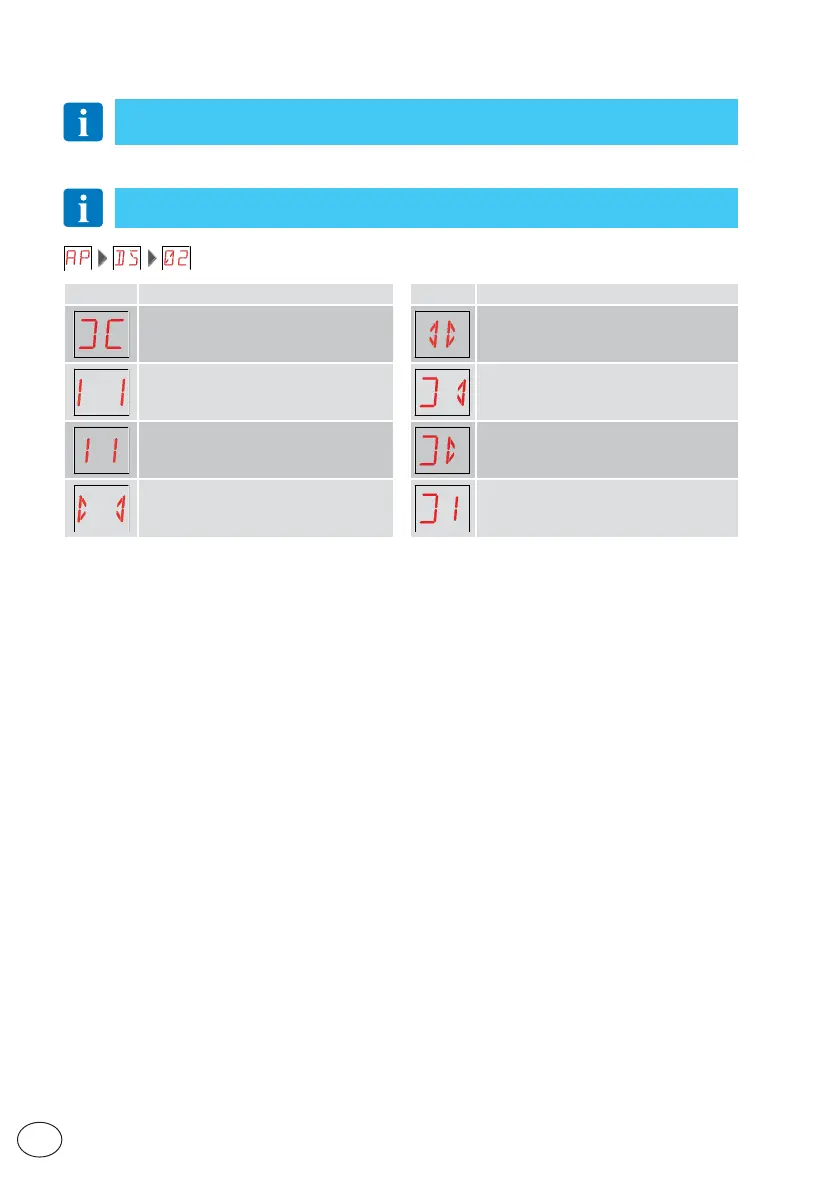
13.1 Display of automation status
NOTE: the automation status display mode is only visible with Display visualisation
mode set to 02.
Display Description Display Description
Automation closed Automation opening
Automation open Automation closing, from partial opening
Automation stopped in intermediate
position
Automation in partial opening
Automation closing Automation partially open
13. Signals visualised on the display



 To Next Page