23
(2)The centrifuge gets into preparation mode and displays last running values.
The values can be reset.
(3)Press key and hold, the centrifuge will speed up to the setting speed.
While releasing key during acceleration, the centrifuge will start to decelerate
and stop.
9.Maintenance
9.1 Cleaning
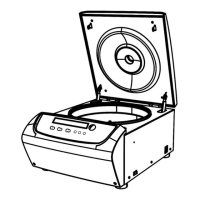
(1)Centrifuge
⚫ If the centrifuge is exposed to ultraviolet rays for a long time, the color of the
doors may be changed or the label may be came off. After using, cover the
centrifuge with a piece of cloth to protect it from direct exposure.
⚫ If the centrifuge needs cleaning, clean it with a cloth or sponge moistened with
a neutral detergent solution.
⚫ Sterilize the centrifuge by wiping with a cloth moistened with 70% ethanol
solution.


 To Next Page