MC402 Playing media
41
Select the DVD viewing angle (if available)
➤ Press the ANGLE button as often as necessary until you have selected the desired
viewing angle on the DVD.
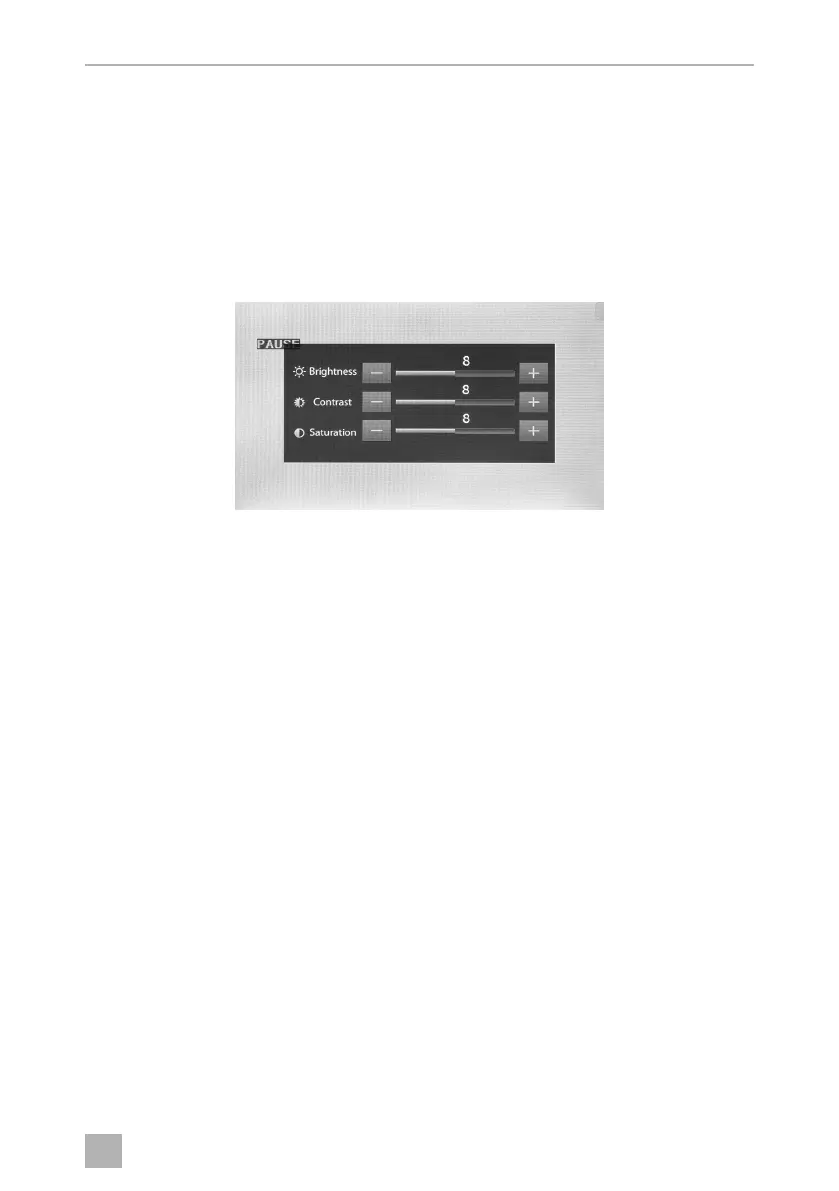
Adjusting DVD image settings
Brightness, contrast and saturation can be set at levels of 0–16.
➤ Press PIC on the display to set brightness, contrast and saturation.
or
➤ Press the DIM button on the remote control to adjust the brightness
Enlarging photos
➤ Press the ZOOM button repeatedly to make the picture 2,4,8,or 20 times larger.
MC402-IO-EN.book Seite 41 Montag, 21. November 2016 6:14 18



 To Next Page