Using the radio MC402
44
10.3 Radio settings
I
I
Opening settings
➤ Press the on the display (see chapter “Menus” on page 42), to open radio
settings.
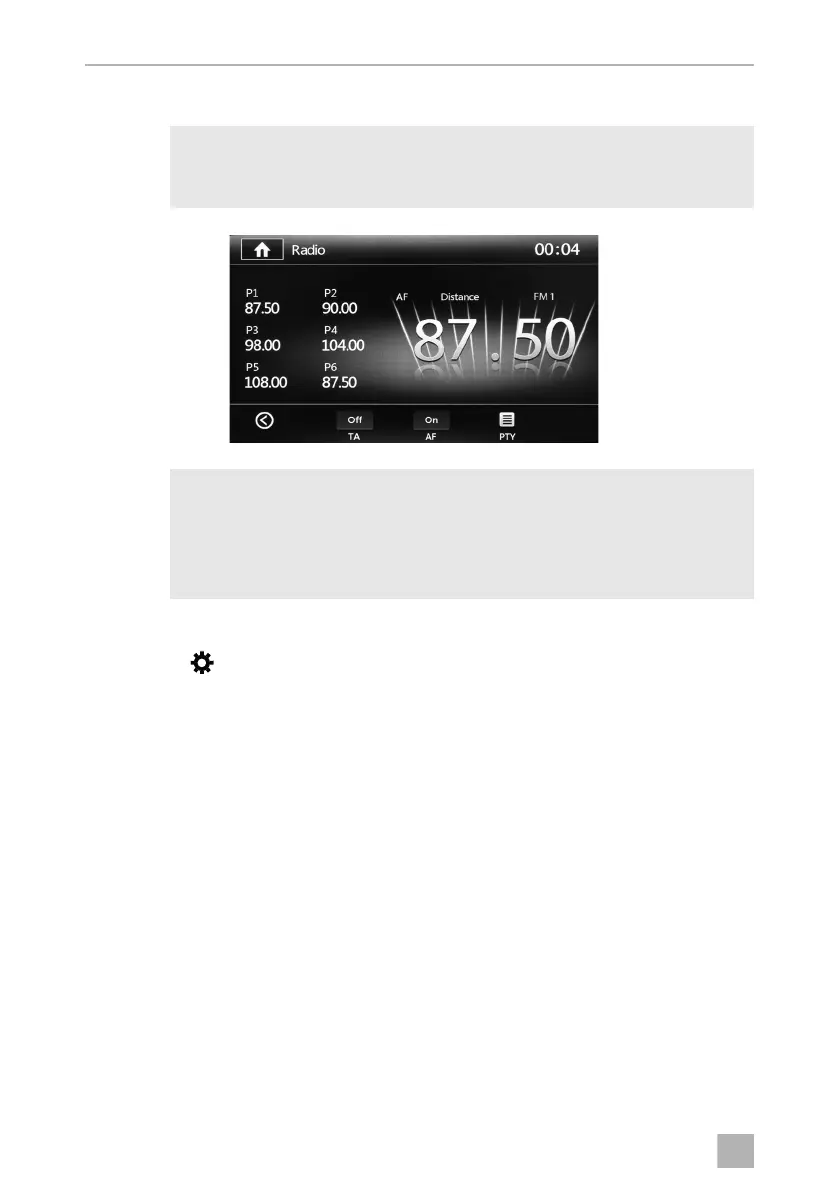
Traffic report settings
➤ Set TA to ON or OFF.
If Traffic Announcement (TA) is enabled, the function will increase the volume for the
period of the announcement or change the form of playback e.g from CD to radio
and then back again.
➤ Set the area for the traffic report to Distance (areas further afield) or Local (for
local areas).
In the local mode, local traffic information will be search for. LOCAL is shown on the
display. Traffic information from further afield is searched for in distance mode.
Distance is shown on the display.
NOTE
For an overview of all possible settings:
chapter “System settings” on page 53.
NOTE
The RDS services (Radio Data System) consist of data that is sent and
interpreted by the radio reception device according to the type of data.
Programme names and other information (e.g. traffic information title of
music currently being played) is shown on the display.
MC402-IO-EN.book Seite 44 Montag, 21. November 2016 6:14 18



 To Next Page