System settings MC402
54
12.2 Opening settings
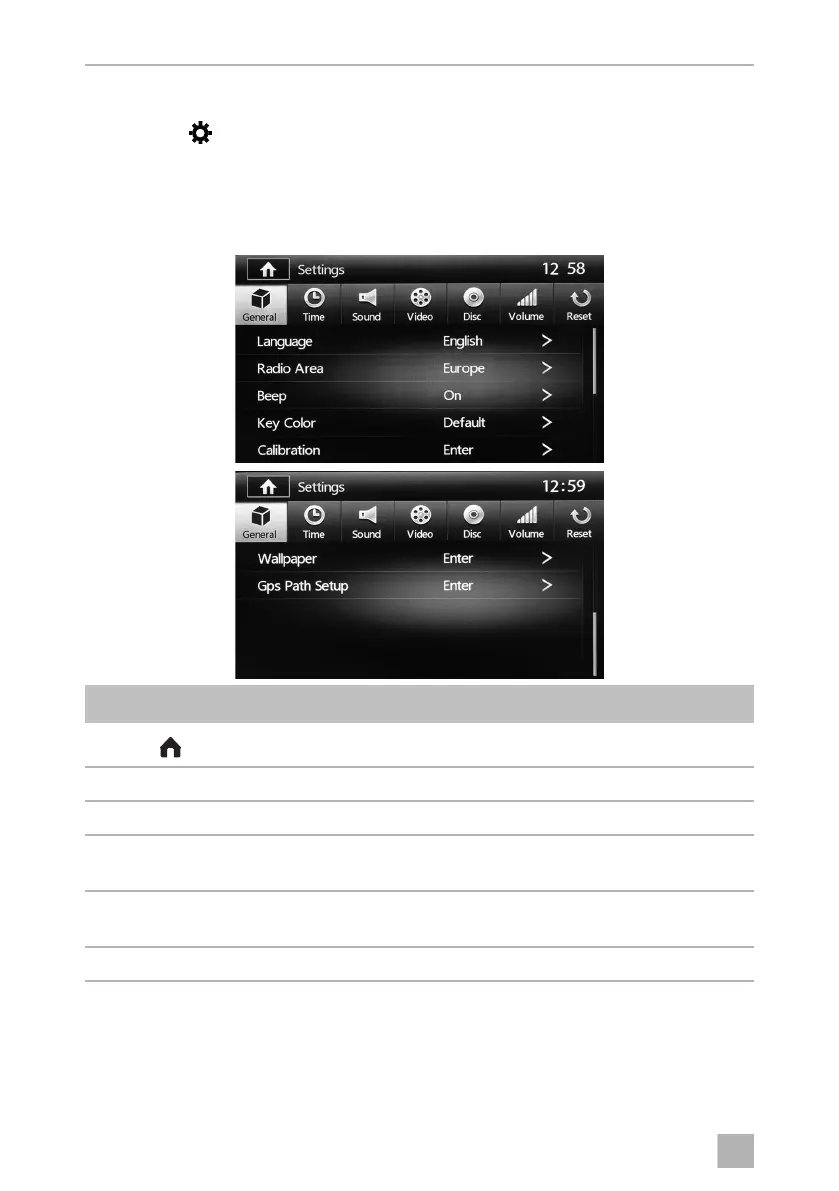
➤ Press the button on the display in the SOURCE menu (see chapter “Selecting
the audio/video source” on page 29)
12.3 General menu settings
Symbol Description
Displays the SOURCE menu
12:58 Current time
Language: Setting the language
Radio Area ➤ Sets the radio reception for the applicable region:
Europe, America, America4, East Europe, Australia, China
Beep ➤ Sets the acoustic signal when a button is pressed to either ON or
OFF.
Key Colour ➤ Sets key colour to Default or User.
MC402-IO-EN.book Seite 54 Montag, 21. November 2016 6:14 18



 To Next Page