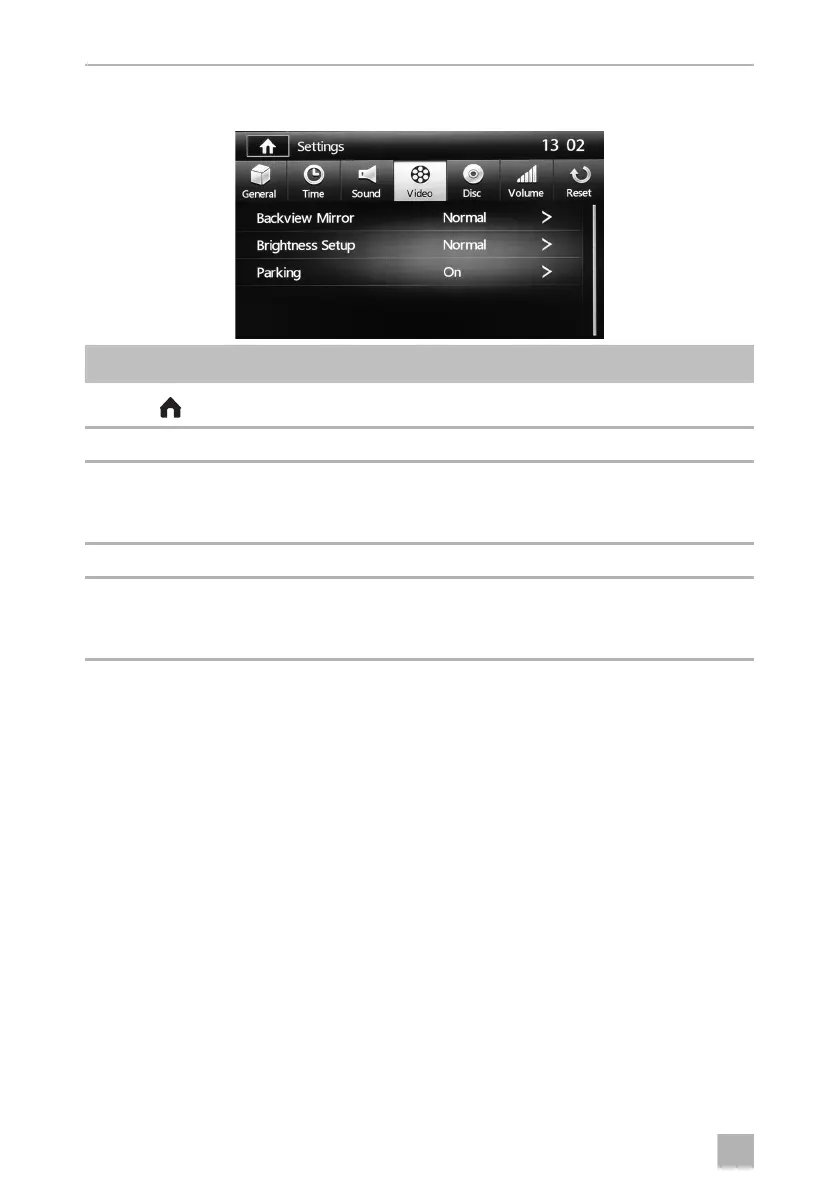
System settings MC402
58
12.6 Video settings menu
Symbol Description
Displays the SOURCE menu
13:02 Current time
Backview Mirror ➤ Set the mirror function to Normal or Mirror.
In the mirror image, the image from the reversing video camera will
be displayed as if you were looking out of the rear window.
Brightness Setup ➤ Set the display Night, Dark, Normal or Bright.
Parking ➤ Set the park function to ON or OFF.
When ON is selected, video content will not be played on the
monceivers display, but only any monitors which are connected.
MC402-IO-EN.book Seite 58 Montag, 21. November 2016 6:14 18



 To Next Page