Getting Connected 75
3. On the Comm Manager screen, tap Settings > Wi-Fi Settings to configure the
required settings. When the configuration is completed, you can connect to a Wi-Fi
network using your device.
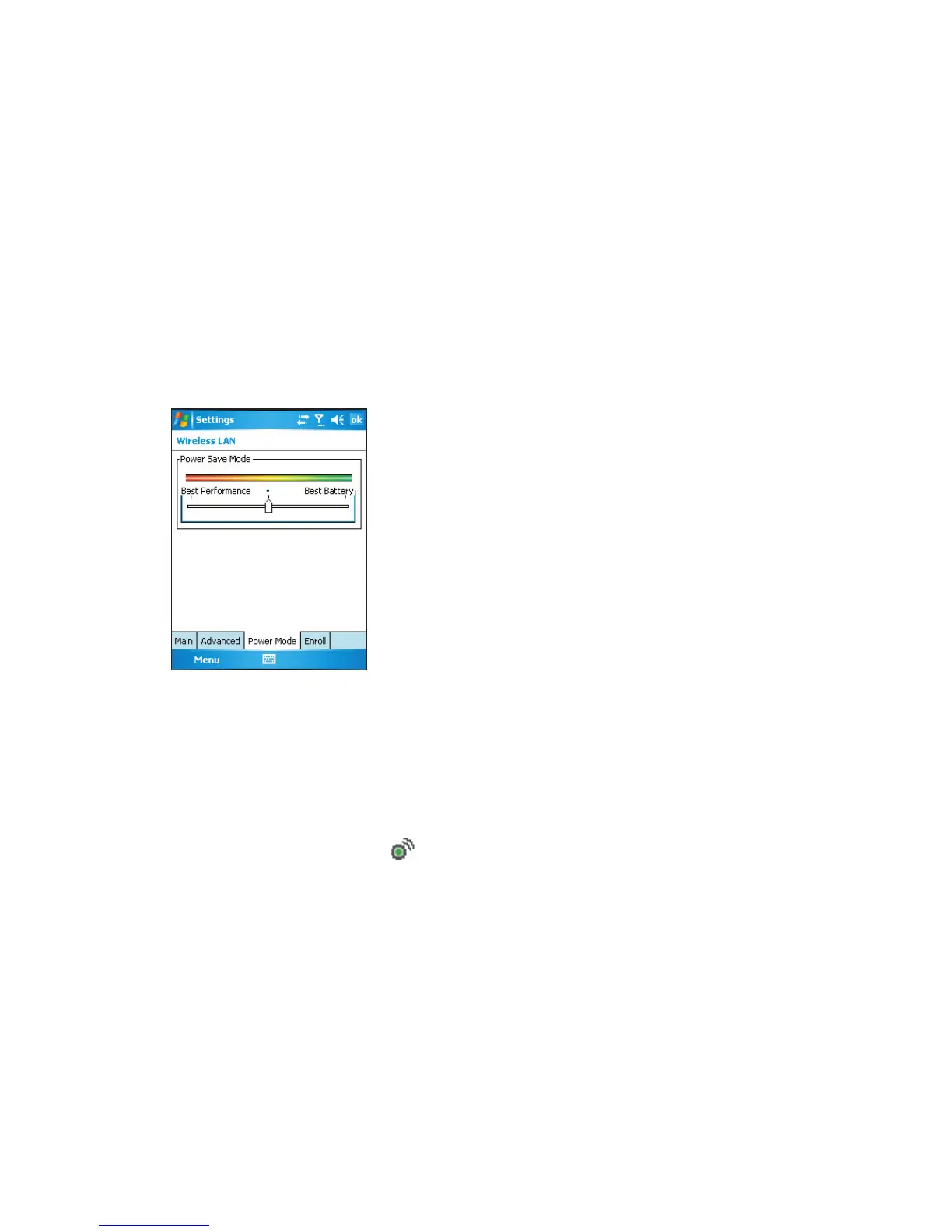
Tip You can also tap Start > Settings > Connections tab > Wireless LAN to open the Wireless
LAN Settings screen.
To save battery power while connected to a Wi-Fi network
• On the Power Mode tab of the Wireless LAN Settings screen, move the Power Save
Mode slider to a position that optimizes performance with the least power consumption.
For example, move the slider to the left (Best Performance) to have the optimal WLAN
performance; move to the right (Best Battery) to obtain the maximum battery usage.
To check the Wireless LAN status
You can check the current wireless connection status from the following three screens of
your device:
• Today screen. When you enable Wi-Fi on your device, the Comm Manager icon will
change to enabled mode ( ).
• Wireless LAN screen - Main tab. Here, it shows the name of the wireless network
that your device is currently connected to. The configuration and signal quality of the
wireless network are also shown.



 To Next Page